Each step below is read from Strava's and komoot's own help pages on 12 October 2026.
What is in a GPX file
GPX is an XML format with three kinds of content: a track (the line you actually traveled, as a series of points, usually with times), a route (a planned line, without times), and waypoints (named single points, such as a water stop or a summit). Elevation is stored in meters. When someone says "send me the GPX", any of the three may be in it.
From Strava
Strava's help center says exporting is only available on the Strava website, so use a browser at strava.com rather than the app.
One of your own activities
- Open the activity page.
- From the More (ellipsis) menu, choose Export GPX.
The file contains your GPS coordinates, timestamps, and accessory data such as heart rate, cadence and temperature. An activity with no GPS data, like an indoor ride, produces an empty file.
A route
- Open the route on the Strava website.
- Click the down arrow icon and choose GPX.
Strava says you can export any public route this way. A route is a plan, so it has no times.
Someone else's activity
On any activity page you are viewing, a GPX Download button sits at the top right of the map. Strava strips the other athlete's performance data from the download and respects their privacy settings: if an activity is visible to "Only You", only its owner can export it.
From komoot
komoot's support pages describe the website route:
- Open the tour in your profile on the komoot website.
- Click Export to GPS device.
The tour downloads as a GPX file. (komoot notes that some Garmin devices read only FIT files, in which case the GPX needs converting first; for an iPhone, GPX is what you want.)
Get the file onto your iPhone
You now have a .gpx file on a computer. Any of these gets it to your phone:
- AirDrop it from a Mac.
- Email or message it to yourself, and the file arrives as an attachment you can tap.
- Save it to iCloud Drive, then find it in the Files app.
If you download a file in Safari on the iPhone itself, Apple says it lands in the Files app's Downloads folder (in iCloud Drive, unless you have changed it).
Open it on the iPhone
Out of the box, an iPhone has no app that draws a GPX route on a map, so tapping the file shows you very little. Two ways to see it:
Free, in the browser. The GPX Route Stats tool on this site opens a GPX file in Safari and shows the route's shape, its distance, the climbing, and an elevation profile you can scrub along. Nothing is uploaded. It draws the line without a map underneath, so you see the shape of the route but not the roads around it.
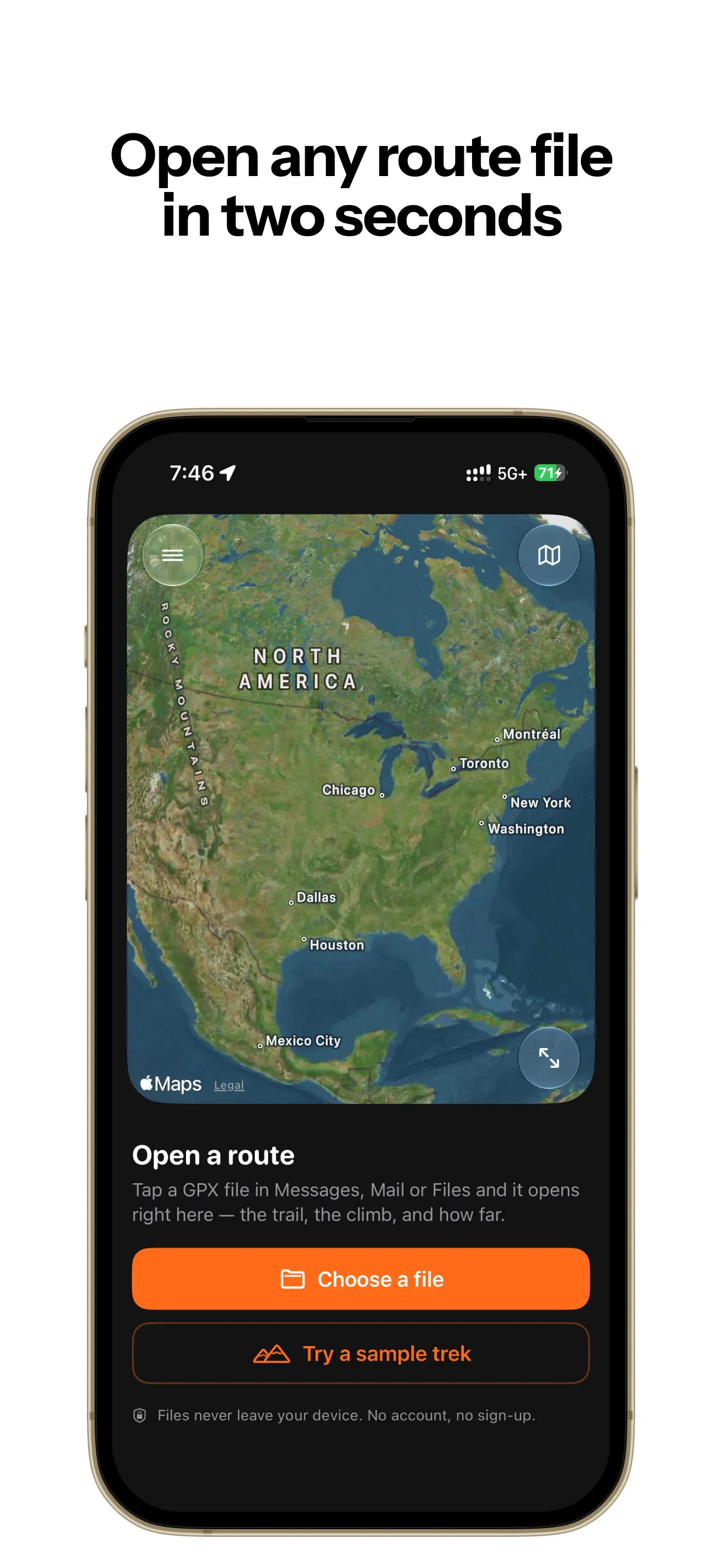
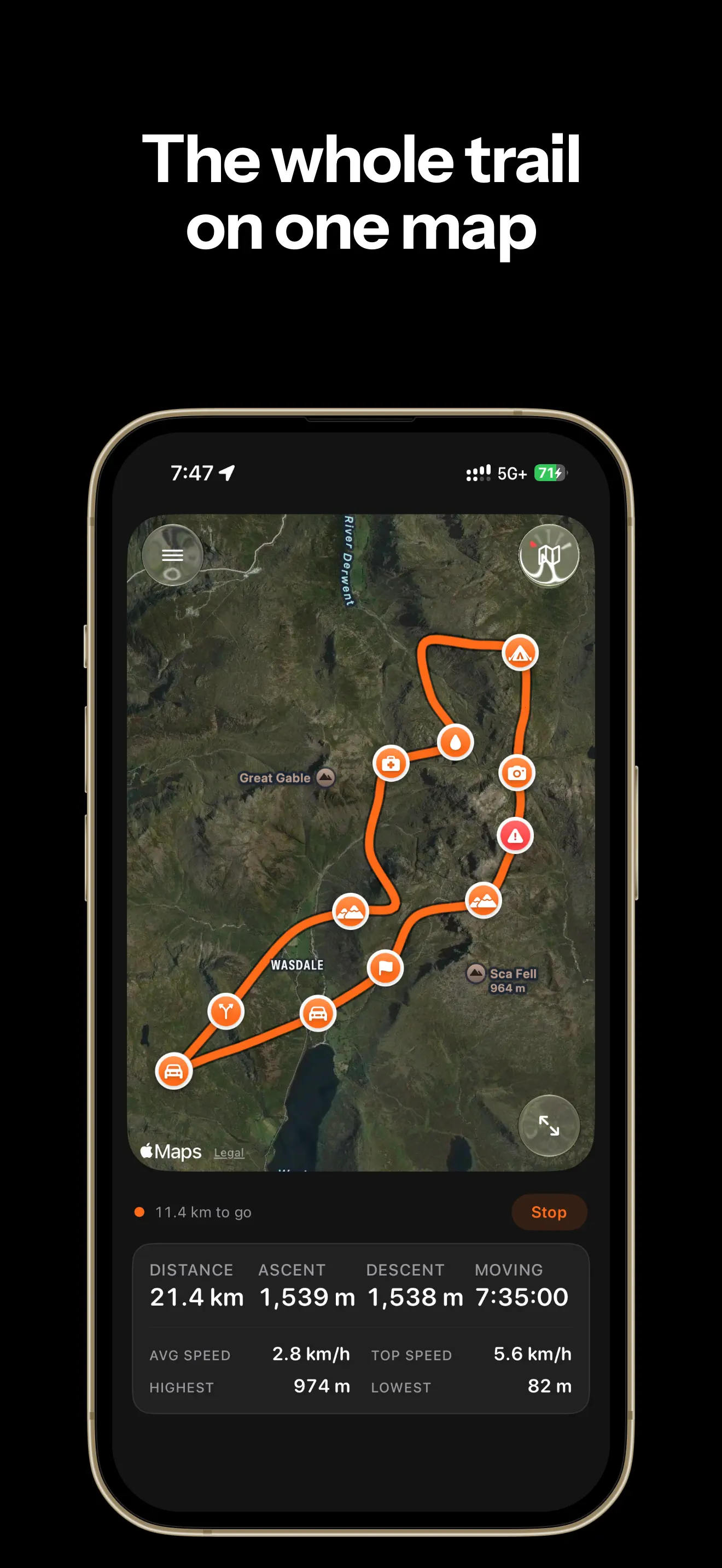
On a map, from Messages, Mail or Files. GPX Viewer is the iPhone app made for this. Tap the file wherever it arrived and choose GPX Viewer:
- The route on a map (standard, hybrid or satellite) with every waypoint
- Distance, elevation gain and loss, time and speed
- An interactive elevation profile: drag along it and your place on the route moves with your finger
- Your own position on the route
- No account; the file never leaves the phone
Opening files and everything above is free. A one-time Pro upgrade adds a library of saved routes, KML and KMZ import, GPX-to-KML conversion, CSV export, merging and simplifying tracks, and editing waypoints; a weekly Trail Pass covers a single trip. It needs iOS 26 or later.
FAQ
Can I export a GPX file from the Strava app?
No. Strava's help center says exporting is only available on the Strava website. Open the activity or route at strava.com in a browser.
Can I download someone else's Strava route as a GPX?
Yes, for public routes and for activities you can see: use the down arrow on a route, or the GPX Download button on an activity's map. Strava removes the other athlete's performance data and respects their privacy settings.
How do I get a GPX file from komoot?
Open the tour in your profile on the komoot website and click Export to GPS device. The tour downloads as a GPX file.
What is the difference between a GPX track and a GPX route?
A track is the line someone actually traveled, usually with times. A route is a planned line with no times. Both open the same way.
Why does my iPhone not open a GPX file?
iOS has no built-in app that maps a GPX route. Open it in a browser tool that reads GPX, or in an app such as GPX Viewer from the share sheet.
Do I need an account to view a GPX file on my iPhone?
No. The free browser tool on this site and GPX Viewer both open the file on your device with no account.