 iPhone appUpdated September 22, 2026
Meet IDifyA passport photo app for iPhone, measured to your country's size.
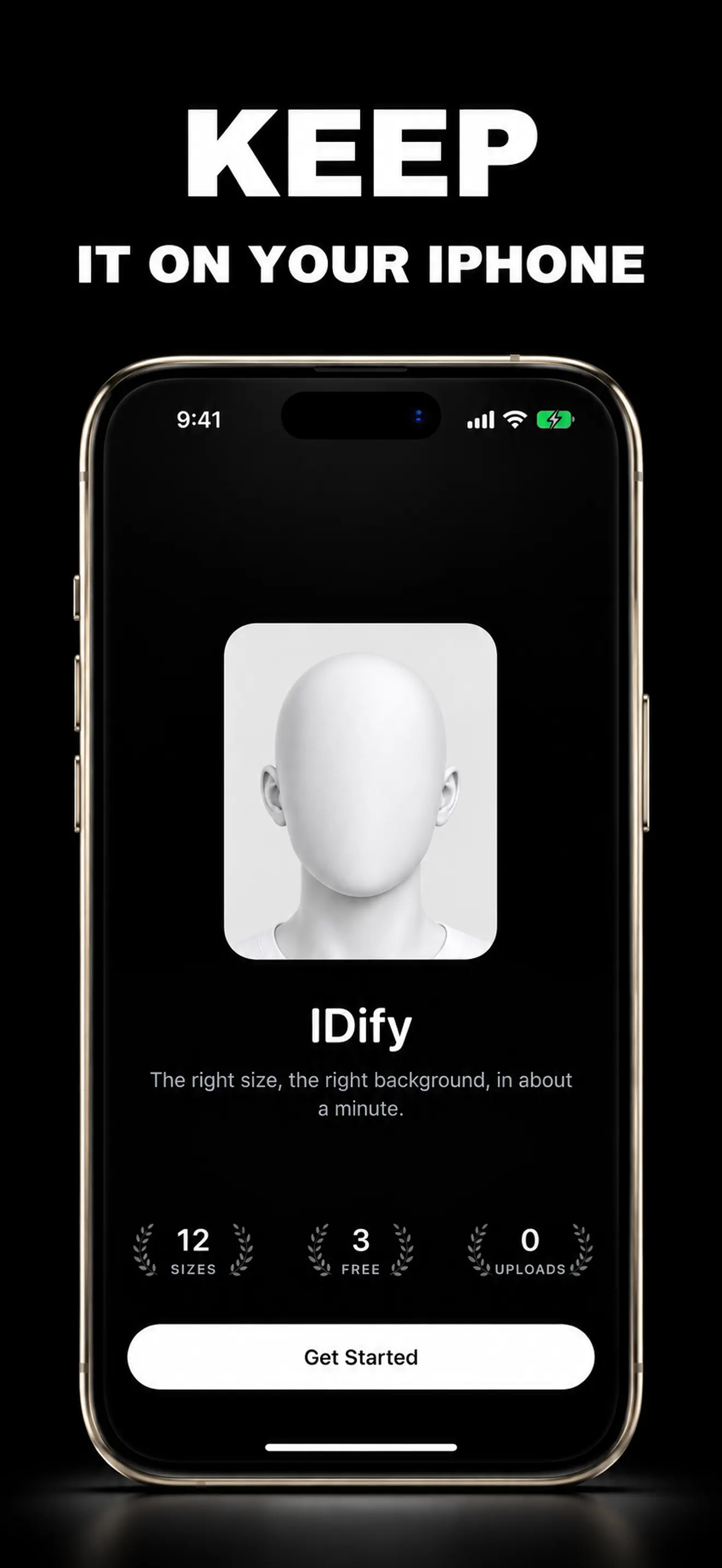
Passport and visa photos on iPhone, measured crown to chin to your country's published size. Background, checks and a 4×6 print sheet. Nothing uploaded.
 Free download on the App StoreTry it free first: Passport Photo Maker
Version 1.1, updated September 22, 2026iOS 18.2 or laterMade by DRISH LABSRefunds for App Store purchases are handled by AppleHelp and support
What is IDify?
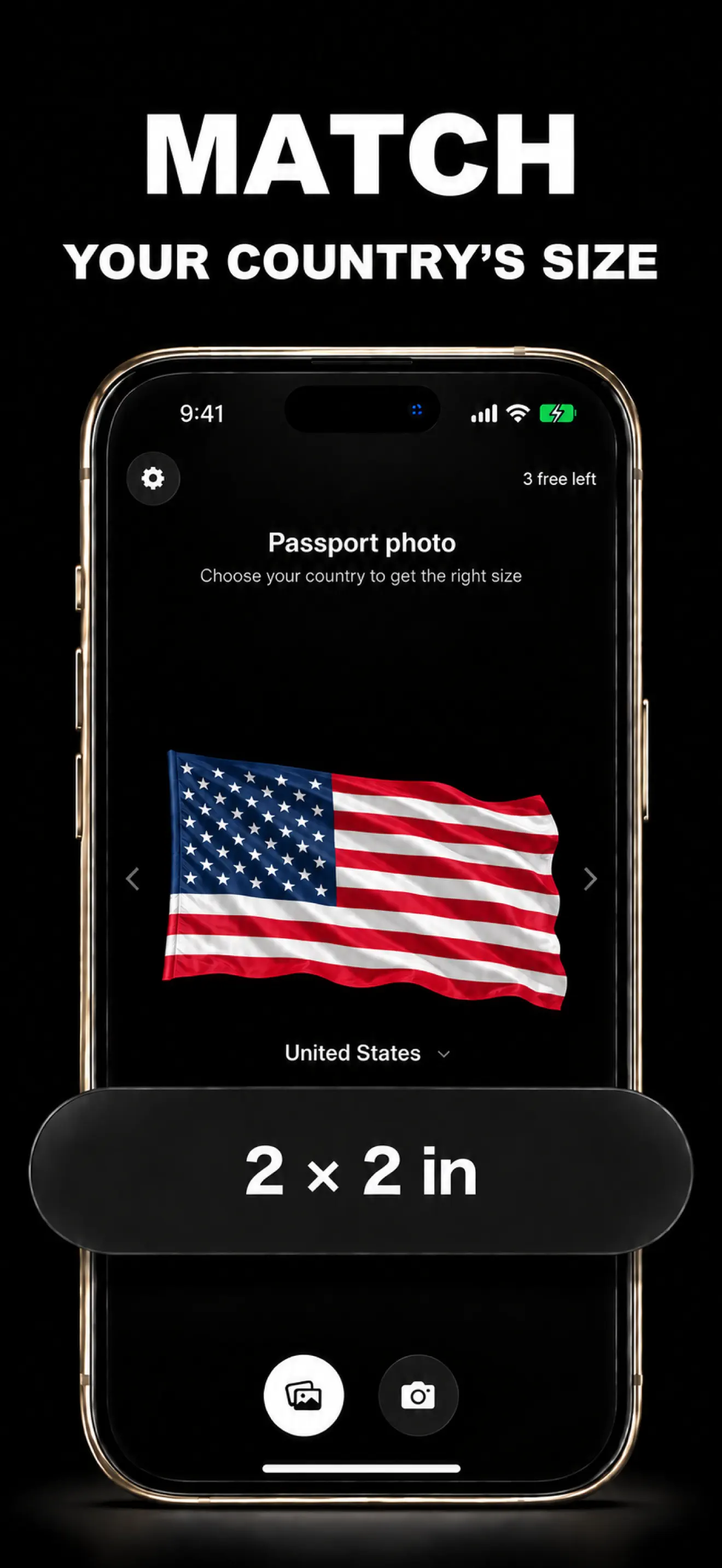
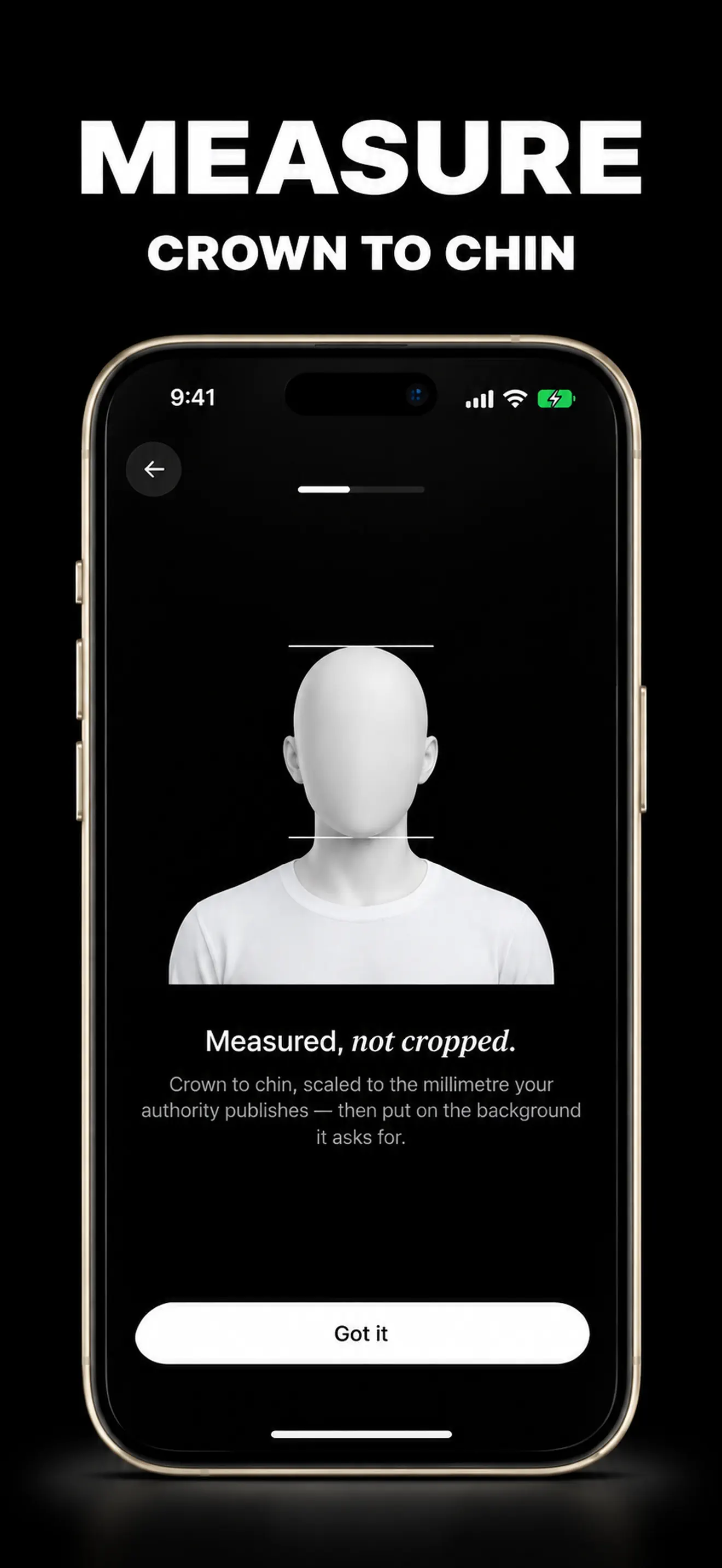
IDify is an iPhone app for passport, visa and ID photos. Pick the country you are applying to, take the photo with the camera you already own, and IDify measures your head from crown to chin and scales the photo to the millimetre that country's authority publishes.
It works entirely on the phone. No account, no sign-up, no upload.
What it does
Measured to the published size:
Twelve sizes, each with its own head-height range and background shade, transcribed from the issuing authority's own guidance
Your exact rectangle, drawn first:
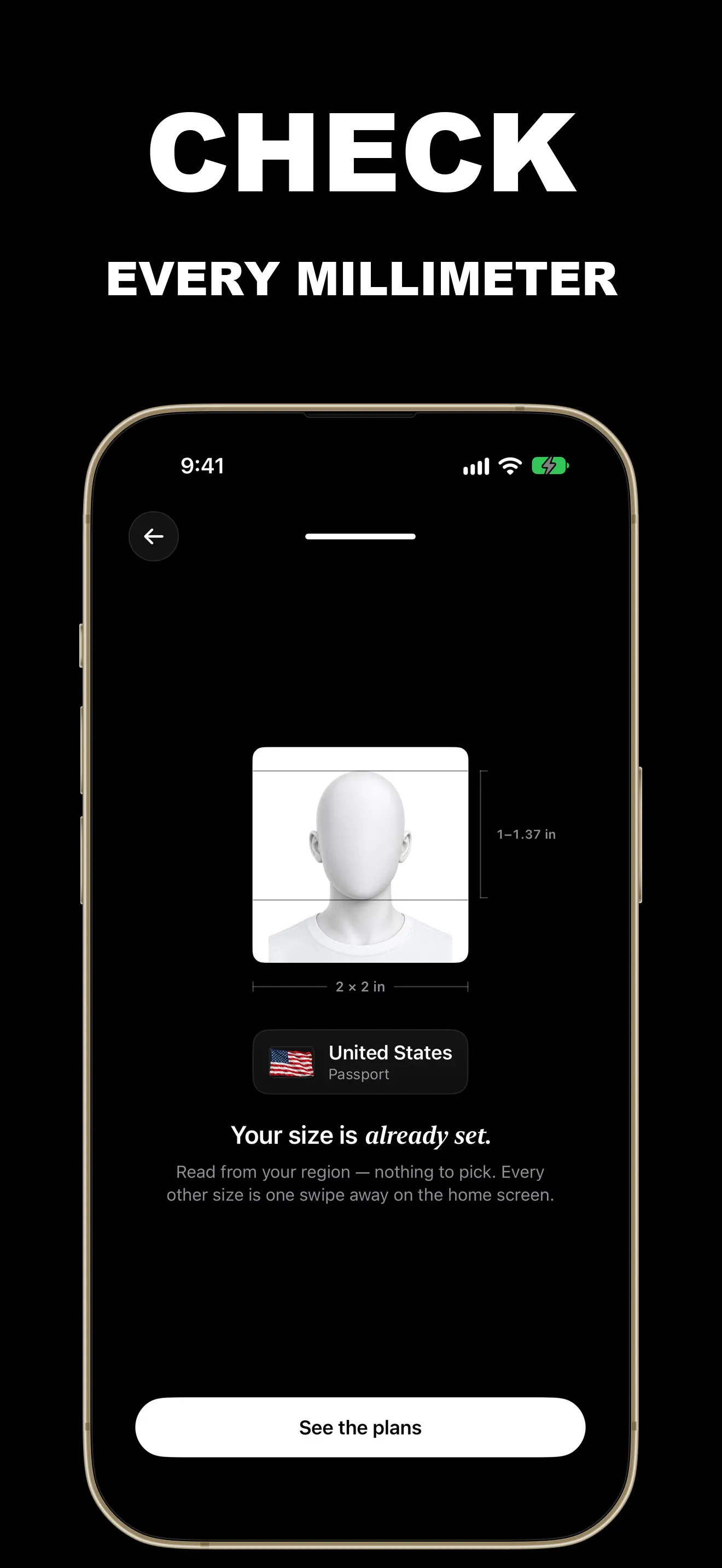
You see your country's frame at its published proportions before you take the photo
The measurement on screen:
Crown and chin are ruled across the frame so you can see what was measured
The background it asks for:
Plain white, off-white, light gray, or the blue some ID cards want, replaced automatically
Checked before you save:
Head height, tilt, resolution and background are checked against the spec you chose, and anything out of range is named plainly
Print it anywhere:
Lay the photo out on a 4 × 6 sheet for any photo counter, or save the single image for an online application
Free on this site
What it costs
Everything up to the save is free forever: every country size, the measurement, the background and the full-resolution preview. The first three saves are free too. After that, a subscription covers unlimited photos.
Questions
What size is a passport photo?
It depends on the country: many use 35 × 45 mm, the US uses 2 × 2 inches. IDify sets the size, the head-height range and the background from the country you pick.
Why was my passport photo rejected when the size was right?
Usually the head was too large or too small inside the frame, or the background was the wrong shade. IDify measures crown to chin against the published range and uses the specified background.
Can I print passport photos at home?
Yes, or at any photo counter. IDify lays the photo out on a standard 4 × 6 inch sheet.
Are my photos uploaded?
No. The measurement and crop run on your iPhone, and the app works in Airplane Mode.
Is it free?
Everything before saving is free, and the first three saves are free. Unlimited photos need a subscription.
Who it is for
Anyone renewing a passport or applying for a visa
Who would rather not book a studio
Families
Doing several photos at once, children included
Anyone applying online
Where the portal wants a digital file of exact dimensions
Anyone uneasy
About uploading their face to a photo service
Real scenarios
The online application
A visa portal asks for a digital photo at a fixed size. Pick the country, take the photo against a plain wall, save the single image, upload it.
The printed passport renewal
Lay the photo out on a 4 × 6 sheet, print it at any photo counter for a fraction of a studio's price, and cut out the copies you need.
The rejected photo
A previous photo came back for head size. The measurement overlay shows where crown and chin fall before you save, so you can see the fix instead of guessing.
Background
How it works
The face measurement and the crop both run on the device. The only network traffic in the app is the App Store handling a subscription, which is why it works in Airplane Mode, and why your face is never sent anywhere to be processed.
The background replacement matters more than it looks. A pure-white background is a documented rejection reason in countries that ask for light gray, so IDify uses the shade the authority specifies rather than defaulting to white everywhere.
The problem
Cropping a picture to 35 × 45 mm is arithmetic your Photos app can already do. That is not what gets a passport photo rejected.
What gets it rejected is the head being the wrong size inside that rectangle. Most authorities specify a range for the distance from the chin to the crown, and a photo can be exactly 35 × 45 mm and still fail because the face fills too much or too little of it. The other common reasons are background shade, tilt, and resolution.
The usual options each get part of that right:
- A pharmacy or photo studio measures it for you, for a fee and a trip
- Generic passport photo apps crop to the outer rectangle and leave the head size to luck
- Online services want your face uploaded to their servers first
A note on what this is
The figures come from each authority's published guidance and can change without notice. IDify is not affiliated with any government or passport office, and no app can promise that an application will be accepted. What it can do is get the measurements right.
More apps
 PickiPhone appRestore old photos on your iPhone — tears, fading and stains, repaired.
 vMergeiPhone appMove every contact to a new phone — no cable, no cloud, no account.
 MishkāhiPhone appA Quran verse widget for your iPhone Lock Screen.
 Reverse SingingiPhone appReverse audio on your iPhone and hear your voice backwards.
 GPX VieweriPhone appSomeone sent you a GPX route? Open it on your iPhone in two seconds.
 OpenShipKitOpen sourceThe self-hosted Next.js SaaS starter: your server, your database, no hosted services.
 GetShipKitOpen sourceThe free Next.js SaaS starter with payments and data already right.
 ClearViewChrome extensionHide YouTube Shorts and the feed, set your speed, cap short videos daily.
 DiffSnapMac appCompare any two files on your Mac — text, PDFs, images, code.
 Image ConverterMac appBatch convert HEIC to JPG, WebP, PNG and PDF on your Mac.
 StampMarkMac appWatermark hundreds of photos at once, entirely offline.
 TellyMac appA teleprompter for Mac that sits under your camera and follows your voice.
 KeyBlockMac appPause your Mac keyboard to clean it — no permissions needed.
 QR CraftMac appA QR code generator for Mac that adds your logo and checks it scans.
 SpeedProMac appYour Mac's live internet speed and data usage, in the menu bar.