Passport Photo Maker
- Runs in your browser
- Nothing uploaded
- No sign-up
 Need more than this?
IDify
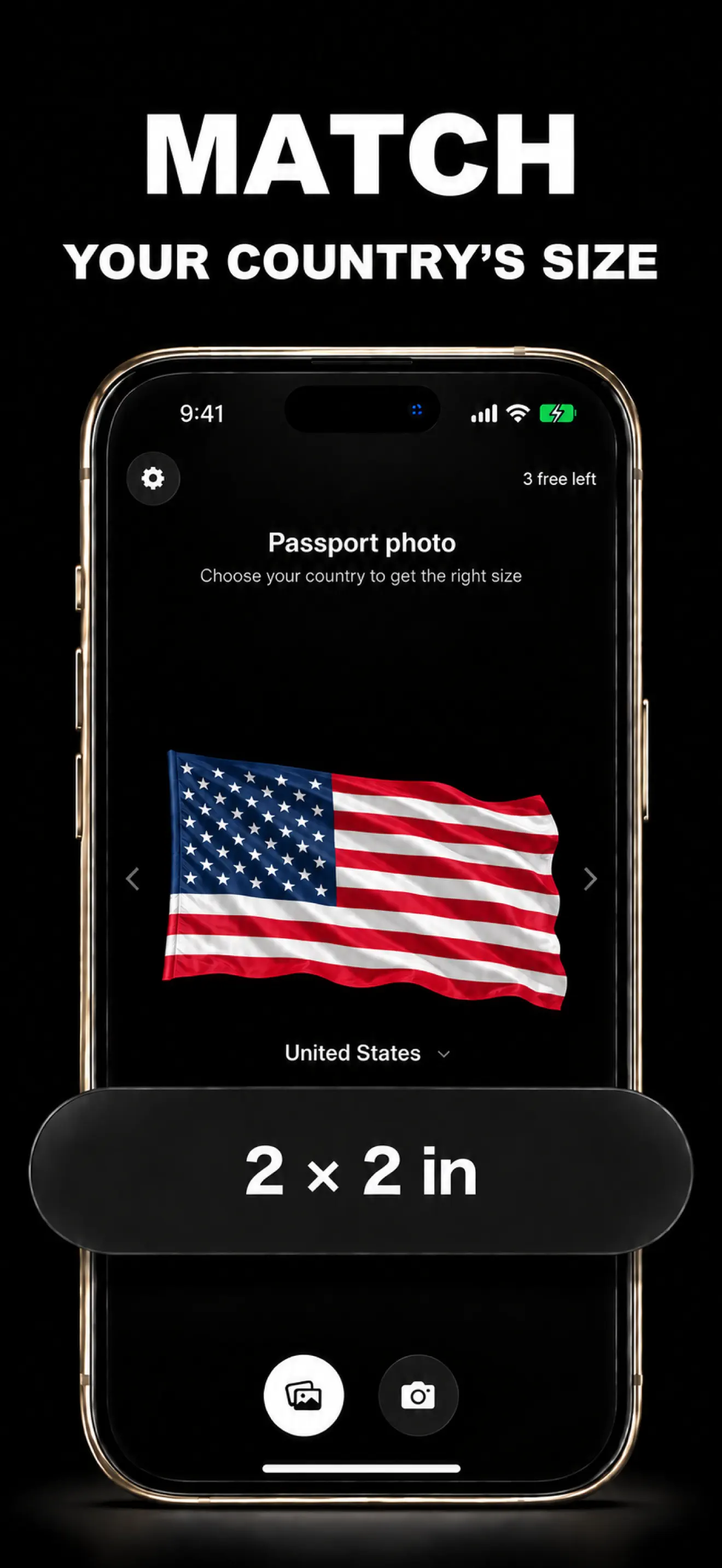
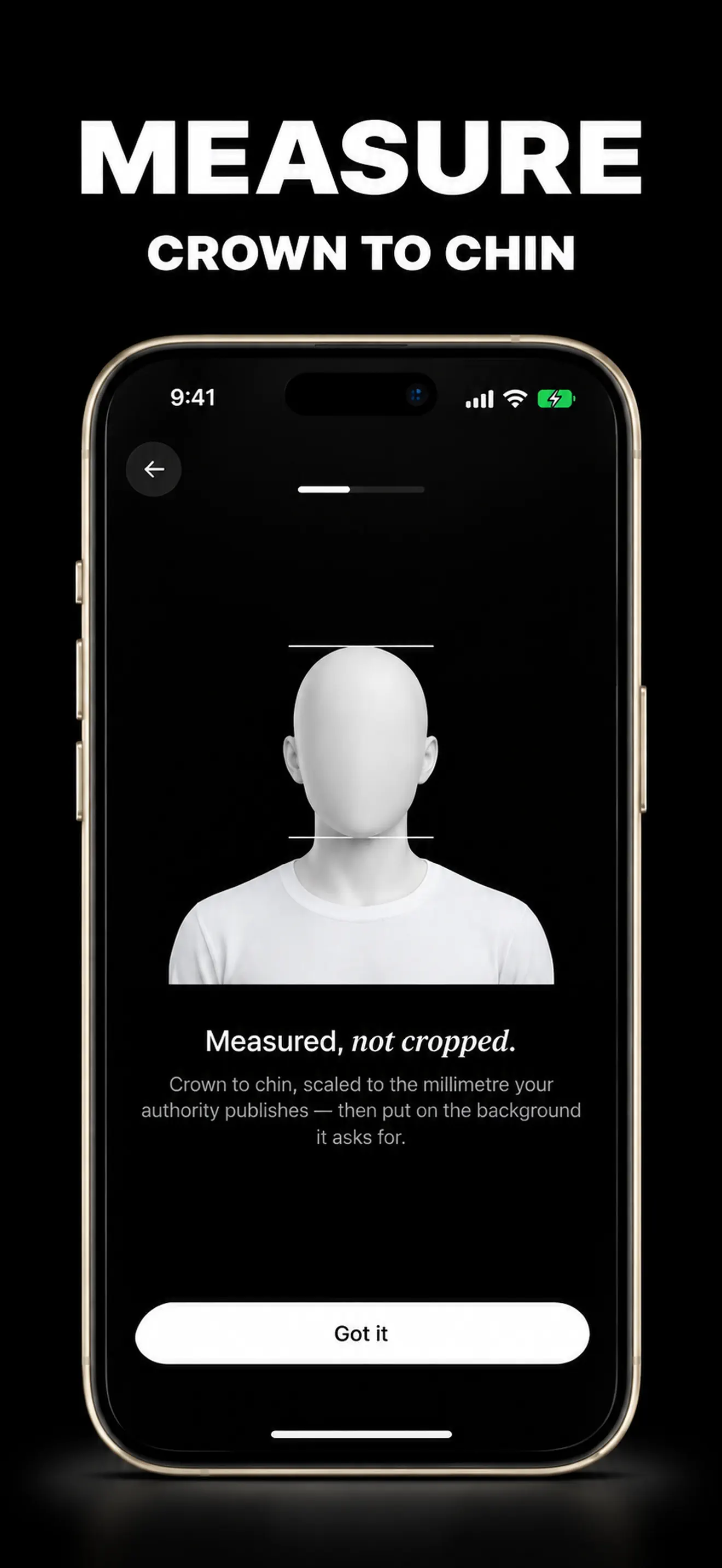
Measures crown to chin with your iPhone’s camera, scales the photo to your country’s published head size, replaces the background and checks it before you save — nothing leaves the phone.
Not today? Get an email when IDify gets better
Updated · DRISH LABS
How do you make a passport photo at home?
To make a passport photo at home, take a photo facing the camera against a plain, light wall in even light, crop it to your country’s size — 2 × 2 inches for a US passport, 35 × 45 mm for the UK and most of Europe — with the head inside the allowed height, and print it on a 6 × 4 inch sheet at 100% at any photo counter. Read your country’s rules before printing.
How it works
- Choose the country and document. The frame takes that authority’s published size — 2 × 2 inches for a US passport, 35 × 45 mm for the UK, Schengen and most of Europe, 50 × 70 mm for Canada — and the page shows its head-height rule, background and a link to every rule with its source.
- Drop a photo taken against a plain, light wall, facing the camera. It opens in the frame, filling it.
- Drag the photo to move it and zoom with the slider or the scroll wheel. Put the bottom of the chin on the solid line and zoom until the top of the head — the hairline, for the German standard — sits inside the shaded band. The band’s edges are the smallest and largest head the rule allows.
- Download the single photo at 300 dpi for an online application, or the 6 × 4 inch sheet with as many copies as fit, spaced for cutting. Print the sheet at 100% at any photo counter.
When you need it
- A 2 × 2 inch photo for a US passport
- Choose United States: the frame is 600 × 600 pixels at 300 dpi, the head band is 1 to 1 3/8 inches, and the 6 × 4 sheet holds six copies. A photo counter prints a 6 × 4 for a fraction of the price of a passport photo service.
- A 35 × 45 mm photo for the UK or Europe
- The UK, Australia, Germany, Japan and the Schengen visa all use 35 × 45 mm, but their head heights differ — the UK allows 29–34 mm, Germany 32–36 mm to the hairline — so choose the exact country rather than any 35 × 45 template.
- A photo for an online application
- Download the single photo instead of the sheet. India, for example, publishes no print size at all: online uploads are 630 × 810 pixels, the same 7:9 shape as 35 × 45 mm, and the page notes that when you choose it.
Questions
How do I make a passport photo at home for free?
Take a photo facing the camera against a plain, light wall, in even light. Choose your country above, line the chin up with the solid guide and the top of the head inside the shaded band, then download the 6 × 4 sheet and print it at a photo counter at 100%.
What size is the print sheet?
6 × 4 inches (10 × 15 cm), 1800 × 1200 pixels at 300 dpi — the standard size every photo counter prints. It holds six 2 × 2 inch photos or eight 35 × 45 mm photos.
Does it change the background to white?
No. The background is whatever was behind you, so stand against a plain wall in the colour your authority asks for. IDify replaces the background automatically.
Where exactly should the head sit in the frame?
The authorities publish the head height, not its position, so the guides set the band a little above centre — a convention, not a rule. Keep the face centred left to right and the eyes level.
Is my photo uploaded?
No. The photo is framed, cropped and exported inside your browser, and nothing is sent anywhere.
Will my photo be accepted?
No tool can promise that. The size and head range here come from each authority’s published guidance, linked from the page — but expression, lighting, glasses and shadows also decide it, so read your country’s rules before you print.
Keep going
How to take a passport photo at home with your iPhone
Take a passport photo at home with an iPhone: the US and UK rules, light, background, head size and printing.
GuidePassport and visa photo sizes
10 countries, from each issuing authority.
Quick factsHEIC to JPG Converter
Turn iPhone HEIC photos into JPG or PNG in any browser.
Free tool