First, which photo you actually need
There are two different jobs, and they have different rules.
- A printed photo for a paper application, such as the US DS-11 or DS-82 forms or a UK paper form. This must be cut to an exact size, with your head an exact height inside it.
- A digital photo for an online application, such as US online renewal or a UK online application. Here you usually upload the picture and the service does the cropping and checking itself.
Decide which one you need before you start, because the second is the easier job.
The rules, from the authorities
United States (the photo instructions on the State Department's DS-11 application form, April 2025 revision):
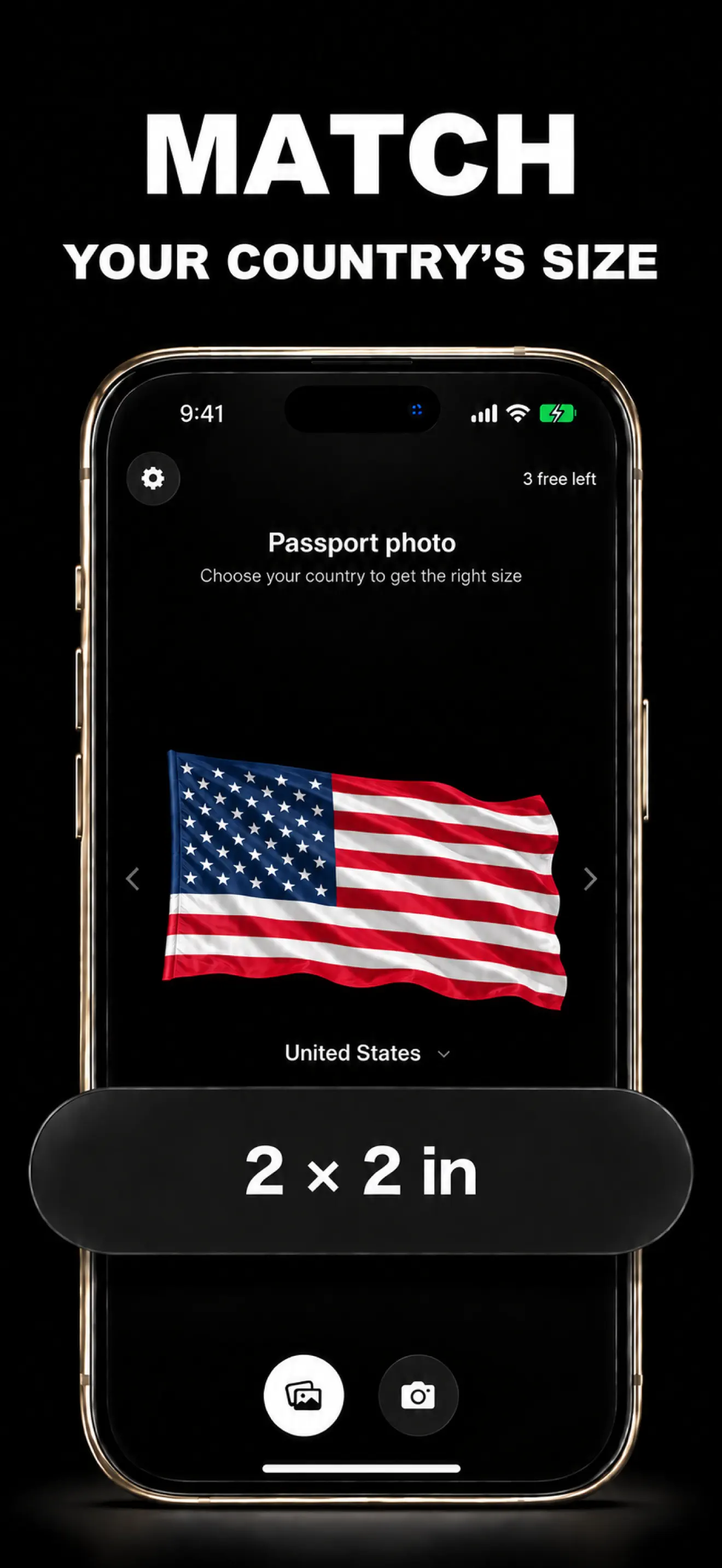
- One colour photo, 2 × 2 inches (51 × 51 mm), taken less than six months ago
- Your head, from the bottom of the chin to the top of the head, measures 1 to 1⅜ inches (25–35 mm)
- A plain white or off-white background
- Face the camera directly, with your full face in view
- No glasses. Eyewear is accepted only with a signed doctor's statement explaining why you cannot remove it
- No head covering, unless you include a signed statement that it is religious attire worn continuously in public, or a doctor's statement that you wear it daily for medical reasons
- Everyday clothes: no uniform, nothing that looks like one, and no camouflage
- Printed on matte or glossy photo-quality paper
The State Department keeps the full, current list at travel.state.gov/photos.
United Kingdom (GOV.UK, "Photos for passports"):
- The printed photo is 45 mm high by 35 mm wide, and you need two identical copies
- The head, crown to chin, is between 29 mm and 34 mm
- A plain cream or light grey background
- Taken in the last month, in colour, unaltered by software
- A plain expression, mouth closed, eyes open and visible, looking straight at the camera
- No glasses unless you have to wear them, and never sunglasses or tinted lenses
- Printed "to a professional standard" on plain white photo paper, with no creases or tears
Rules change, and other countries publish their own. Read your authority's current page before you take the photo. The figures above are what those sources said when this was written.
How to take it with an iPhone
1. Find the light. Stand facing a window in daylight, not with it behind you. Soft, even light on both sides of your face is the goal; a single overhead bulb puts shadows under the eyes and nose, and GOV.UK specifically rejects shadows on the face or behind you. Turn off the flash.
2. Find the background. A plain wall in the right shade: white or off-white for the US, cream or light grey for the UK. Stand about half a metre in front of it so your shadow falls behind you rather than on it.
3. Get someone else to take it. GOV.UK's own guidance for a photo taken on your own device is that you will need someone to help. A selfie at arm's length distorts the face, because the lens is too close. If you are alone, prop the phone at eye level and use the camera's self-timer.
4. Frame wider than you need. Hold the phone about a metre and a half away, at eye level, and include your head, shoulders and the top of your upper body. Use the 1× lens, not portrait mode: portrait mode blurs the background, and an edited-looking photo is a rejection risk. You crop afterwards.
5. Pose. Face the camera straight on, head level and centred, eyes open, mouth closed, neutral expression. Hair off the eyes. Take several shots; pick the sharpest and most evenly lit.
Getting the head size right
This is where home photos usually go wrong. A picture can be exactly 2 × 2 inches or 35 × 45 mm and still fail because the face fills too much or too little of it. Both authorities set the head height as a separate range, and it matters as much as the outer size.
To crop by hand, open the photo on a computer, crop to the right shape (a square for the US, 35:45 for the UK), and check the head height as a proportion of the frame: for the US, the head should fill roughly half to just over two-thirds of the height; for the UK, roughly two-thirds to three-quarters. Measure on the screen at a known zoom, or print a test copy and use a ruler. The ruler is the honest check.
Printing it
You do not need a photo printer. Lay out the cropped photo on a standard 4 × 6 inch print (two or more copies fit) and order that single print at any pharmacy or photo counter for far less than a studio charges. Ask for it at actual size; a "fit to page" print shrinks the photo and breaks every measurement. Cut the copies out carefully with straight edges.
If you are applying online
This is the easy case, and you need less than the steps above.
- United States: some adults can renew online through the State Department, uploading a digital photo instead of mailing a print. Who qualifies and the exact digital-photo rules change, so see travel.state.gov for the current rules before you start.
- United Kingdom: you can take the digital photo yourself during the application, with someone helping, or get a code from a photo booth or shop. GOV.UK says not to crop it ("it will be done for you") and that booth or shop photos are more likely to be approved than your own. It needs to be at least 600 pixels wide and 750 pixels tall.
Where an app saves time
The free method works; the slow parts are measuring the head and getting the background shade right. IDify is the iPhone app DRISH LABS built for those two jobs. You pick the country you are applying to, and it:
- draws that country's exact rectangle before you take the photo
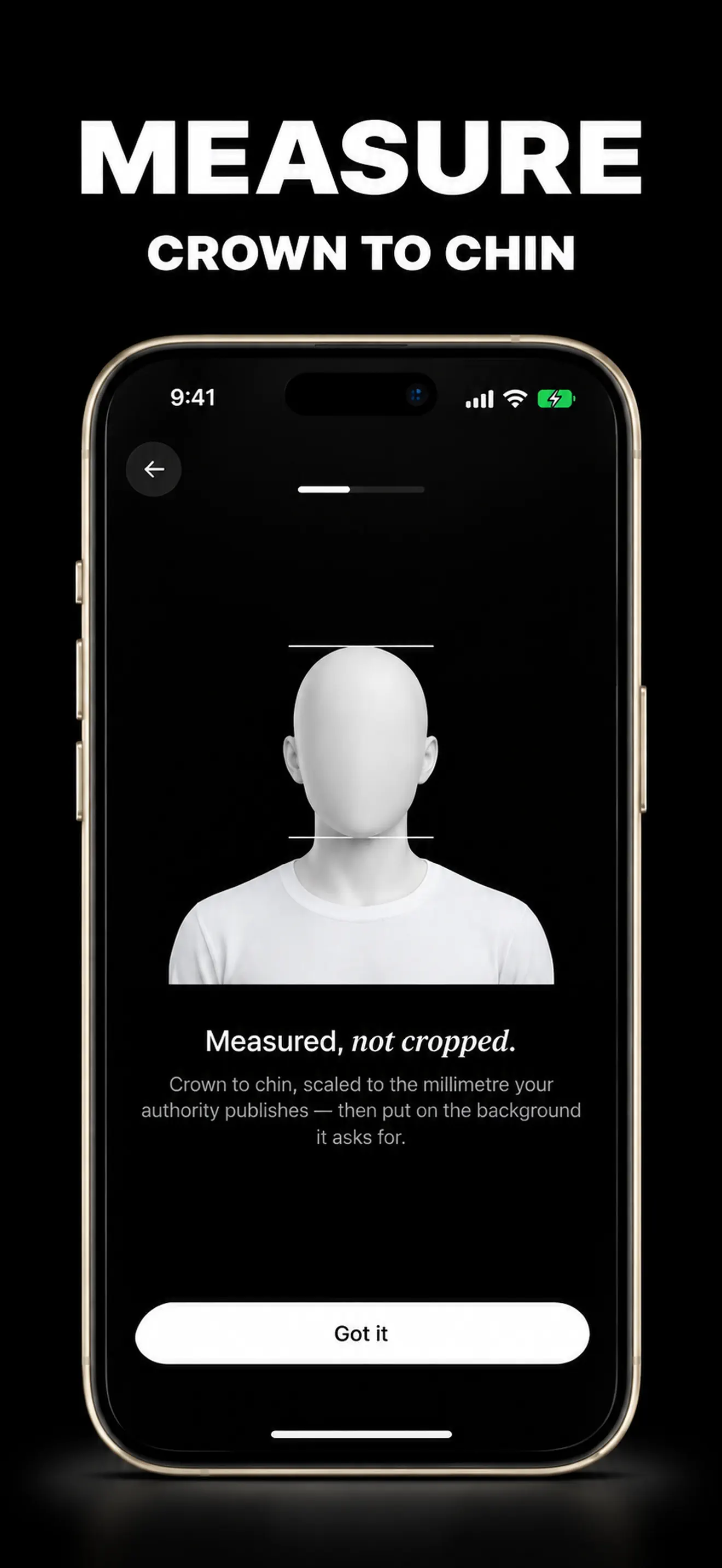
- measures your head from crown to chin and scales the photo to the head-height range that authority publishes, with crown and chin ruled across the frame so you can see what was measured
- replaces the background with the shade the country asks for: white, off-white, light grey, or the blue some ID cards use
- checks head height, tilt, resolution and background before you save, and names anything out of range
- lays the photo out on a 4 × 6 sheet for any photo counter, or saves the single image
It works on the phone with no account and no upload, and it runs in Airplane Mode. At the time of writing everything up to saving is free, including every country size and the measurement, and the first three saves are free; after that a subscription covers unlimited photos.
What it cannot do is promise acceptance. IDify is not affiliated with any government, and the figures can change without notice. What it can do is get the measurements right.
FAQ
Can I take my own passport photo at home?
Yes. Both the US and the UK accept photos you take yourself, as long as they meet the published rules. GOV.UK notes that you will need someone to help, and that photo-booth and shop photos are more likely to be approved.
What size is a passport photo?
It depends on the country. The US uses 2 × 2 inches with the head 1 to 1⅜ inches; the UK uses 35 × 45 mm with the head 29 to 34 mm, crown to chin. Much of the world uses 35 × 45 mm, each with its own head range.
Can I wear glasses in a passport photo?
Not in a US photo, unless you include a signed doctor's statement explaining why you cannot remove them. In the UK, only if you have to: never sunglasses or tinted lenses, and the frames must not cover your eyes.
Can I smile in a passport photo?
GOV.UK asks for a plain expression with your mouth closed. For the US, check the State Department's current photo page at travel.state.gov/photos.
Can I print passport photos at home?
You can, but a 4 × 6 print from a photo counter is cheaper and more reliable, and the UK asks for prints made "to a professional standard". Order it at actual size so the measurements survive.
Why was my passport photo rejected?
Common reasons are the head being the wrong size inside the frame, shadows on the face or background, the wrong background shade, glasses, or an edited image. The rejection letter usually names the problem.