HEIC to JPG Converter
- Runs in your browser
- Nothing uploaded
- No sign-up
 Need more than this?
Image Converter for Mac
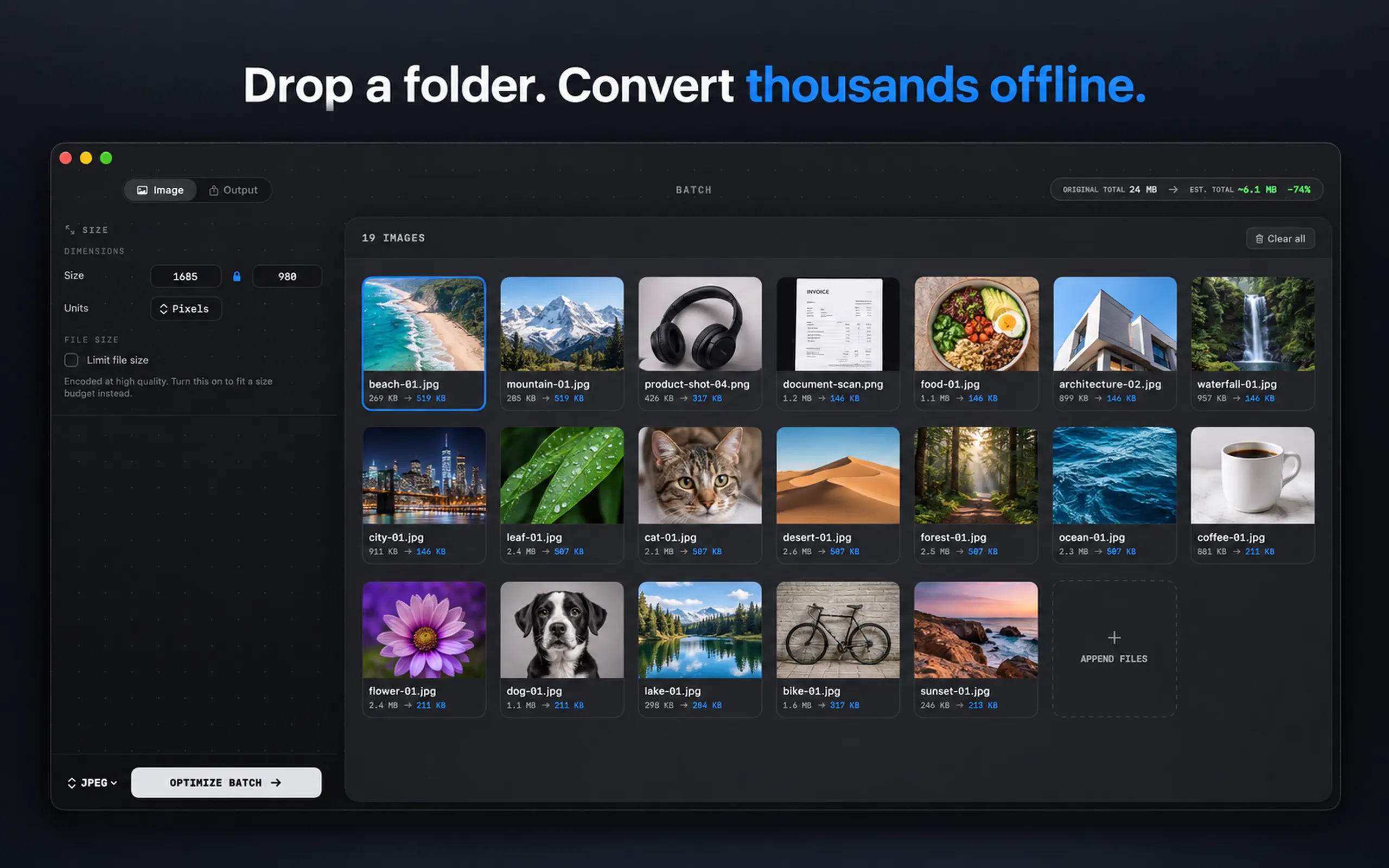
Converts a whole folder of HEIC — thousands at once, offline — to JPG, PNG, WebP or a multi-page PDF, reads 30+ formats including RAW and PSD, and can make every file fit a target size.
Not today? Get an email when Image Converter gets better
Updated · DRISH LABS
How do you convert HEIC to JPG?
Converting HEIC to JPG decodes each iPhone photo to pixels and encodes it again as a JPG, which any browser can do with libheif, the open-source HEIF decoder, running as WebAssembly. JPG at quality 85–95 is hard to tell from the original; PNG is lossless and far larger. The converted file carries the picture but none of the HEIC’s metadata, so the GPS location and camera model are not kept.
How it works
- Drop one HEIC or HEIF photo, or a batch. Files from an iPhone usually end in .HEIC; some apps write .HEIF. Both work.
- The page decodes each photo with libheif, the open-source HEIF decoder, running in your browser as WebAssembly. It loads the first time you drop a file, from this site, and only on this page.
- Choose JPG — with a quality setting, 90 by default — or PNG, which is lossless and much larger. Changing the setting re-converts what is already loaded.
- Download each photo on its own, or all of them as one ZIP. Every file keeps its original name with the new extension: IMG_4021.HEIC becomes IMG_4021.jpg.
- A JPEG, PNG or WebP dropped in by mistake is not refused — the browser decodes it and it is converted the ordinary way.
Why iPhone photos are HEIC at all
Since iOS 11, an iPhone set to "High Efficiency" saves photos in HEIF — High Efficiency Image File Format — with the picture compressed by HEVC, the same codec as its videos. The result is a similar-looking photo in a noticeably smaller file. The cost is compatibility: many Windows apps, upload forms and older software cannot open it, and most browsers cannot display it. Apple’s own switch is Settings › Camera › Formats: "Most Compatible" makes the camera save JPEG from then on, and photos sent to a computer may be converted to JPEG unless Settings › Apps › Photos is set to "Keep Originals". Neither helps with the HEIC files you already have, which is what this page is for.
HEIC = HEIF container (ISO/IEC 23008-12) + HEVC-compressed image
When you need it
- An upload form that refuses iPhone photos
- Government portals, job applications and print shops often accept only JPG or PNG. Convert the HEIC to JPG at quality 90 and upload that — the picture looks the same and the form takes it.
- Opening iPhone photos on Windows
- Photos copied from an iPhone to a Windows PC often arrive as .HEIC, which many apps there cannot open without an extra extension. Drop them here in Chrome, Edge or Firefox and download JPGs that open everywhere.
- A batch from a shared album or a cable transfer
- Drop the whole set at once. Each converts in turn with its own status line, and "Download all" puts them in one ZIP named after the originals.
- A lossless copy for editing
- Choose PNG when the photo is going into an editor and you do not want a second round of JPEG compression on top of HEVC. Expect a file several times larger than the HEIC.
- Sending a photo to someone on another platform
- A HEIC attachment can arrive as a file nobody can open. Converting to JPG first means the person at the other end sees the picture, not an error.
Questions
Are my photos uploaded?
No. The HEIC decoder runs in your browser as WebAssembly, the JPG or PNG is encoded by the browser, and the ZIP is built in memory. The photos never leave your device.
Does it work in Chrome, Firefox and on Windows?
Yes. Most browsers cannot open HEIC on their own, so the page brings its own decoder rather than relying on the browser’s. That decoder — about 3 MB — is downloaded from this site the first time you drop a file.
Is the location and camera data kept?
No. The photo is decoded to pixels and encoded again, so the JPG or PNG carries the picture and none of the HEIC’s metadata — no GPS location, camera model or timestamps. Keep the original if you need those.
What happens to a Live Photo or a burst?
You get the first image. A HEIC file can hold several images; for a Live Photo the HEIC is usually the still itself, and the motion lives in a separate video file that this page does not touch.
JPG or PNG?
JPG for nearly everything — sharing, uploading, printing — at quality 85–95, where it is hard to tell from the original. PNG only when the image is going to be edited further and you want no extra compression; it is far larger.
Can I stop my iPhone taking HEIC photos?
Yes: Settings › Camera › Formats › Most Compatible makes the camera save JPEG from then on. It does not change photos already taken, and HEIC files are smaller, so many people keep High Efficiency and convert only when a photo has to go somewhere that cannot open it.
Keep going
The best image converters for Mac in 2026, free and paid
Mac image converters compared on price.
GuideHow to see and remove photo metadata (EXIF) on a Mac
See a photo's EXIF data and location in Preview on a Mac.
GuideHow to convert HEIC to JPG on a Mac (one photo or a whole folder)
Convert HEIC to JPG on a Mac for free with Preview.
Guide