Below is how to do it free with what's already on your iPhone, why a phone compass can be several degrees off, and when a dedicated Qibla app is worth having.
Step 1: Get the Qibla bearing for your location
The Qibla direction is the shortest path over the globe from where you stand to the Kaaba in Mecca. It's a different number in every city, so look up your own:
- The free Qibla Direction tool on this site works it out from your location, a city or typed coordinates. It shows degrees from true north, the nearest compass point and the distance to the Kaaba. Your location is never sent or stored.
- Google's Qibla Finder, at qiblafinder.withgoogle.com, is another free option in the browser.
Write the number down. Everything after this is lining your phone up with it.
Step 2: Line it up in the Compass app
- Open the Compass app. It's built into the iPhone; search for it if it isn't on your Home Screen.
- Hold the iPhone flat and line up the crosshairs in the centre of the dial. Apple says this is what gives accurate bearings.
- Turn your whole body slowly until the number at the top matches your bearing.
- Tap the dial to lock that direction. A red band appears if you drift off it.
The top of the phone now points towards the Qibla.
Step 3: Make sure the compass uses true north
The bearing from Step 1 is measured from true north, the direction of the North Pole. A compass needle points to magnetic north, and the gap between them, called magnetic declination, is a few degrees in most places and over ten in parts of North America, Russia and the far south.
The iPhone Compass can do the correction for you: in Settings, go to Apps, then Compass (on iOS 17 and earlier, Compass is in the main Settings list), and turn on Use True North. If it's off, you have to correct by hand. Where declination is east, subtract it from the bearing; where it's west, add it.
Why the needle can still be wrong
Apple is plain about the limits: compass accuracy "can be affected by magnetic or environmental interference", and the digital compass is meant for basic navigation assistance only. In practice:
- Move away from metal and magnets. Steel tables, speakers, cars and laptops all pull the needle. So do magnetic accessories, such as a MagSafe wallet or a magnetic case, so take them off first.
- Check it twice. Walk a few steps and read again. If the number jumps, something nearby is interfering.
- Check against a landmark. Once you know the bearing, a street, a wall or a building that runs in a known direction on a map is steadier than a phone held in your hand.
For a room you pray in every day, such as at home or at work, find the direction once carefully and mark it on the floor or the wall, so you don't have to rely on the phone each time.
Why the Qibla from North America points north-east
From New York or Toronto, the shortest path to Mecca heads north-east, over the Atlantic towards Europe. That surprises people who expect south-east because Mecca is south of them on a flat map. The great-circle (shortest-path) direction is the one most scholars and Qibla apps use. Some older mosques in North America face south-east, along a constant compass bearing drawn on a flat map instead.
When an app is worth having
The steps above work, and you need nothing else for occasional use. An app helps when you check the Qibla often, especially while travelling. With an app, the bearing and the compass are on one screen, so you don't have to look it up and line it up by hand each time.
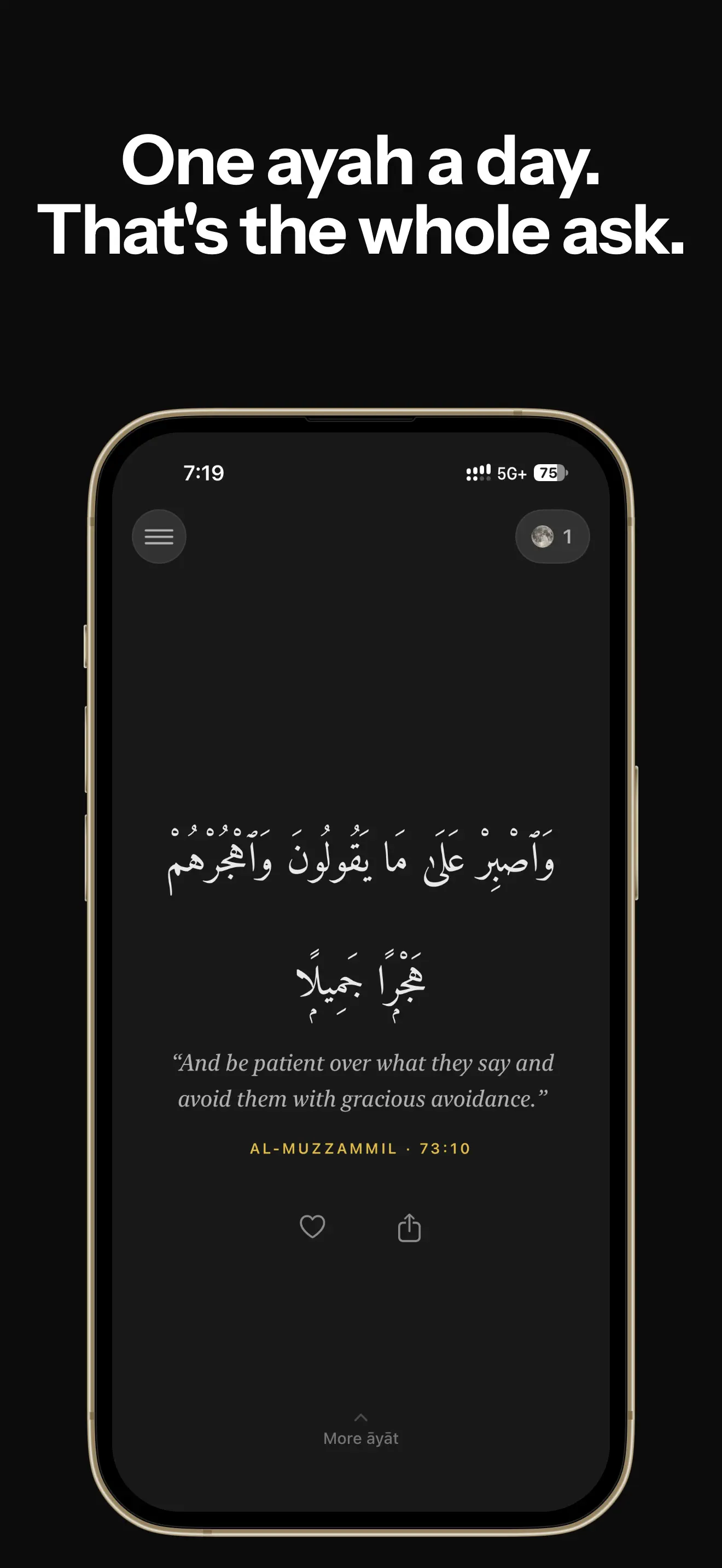
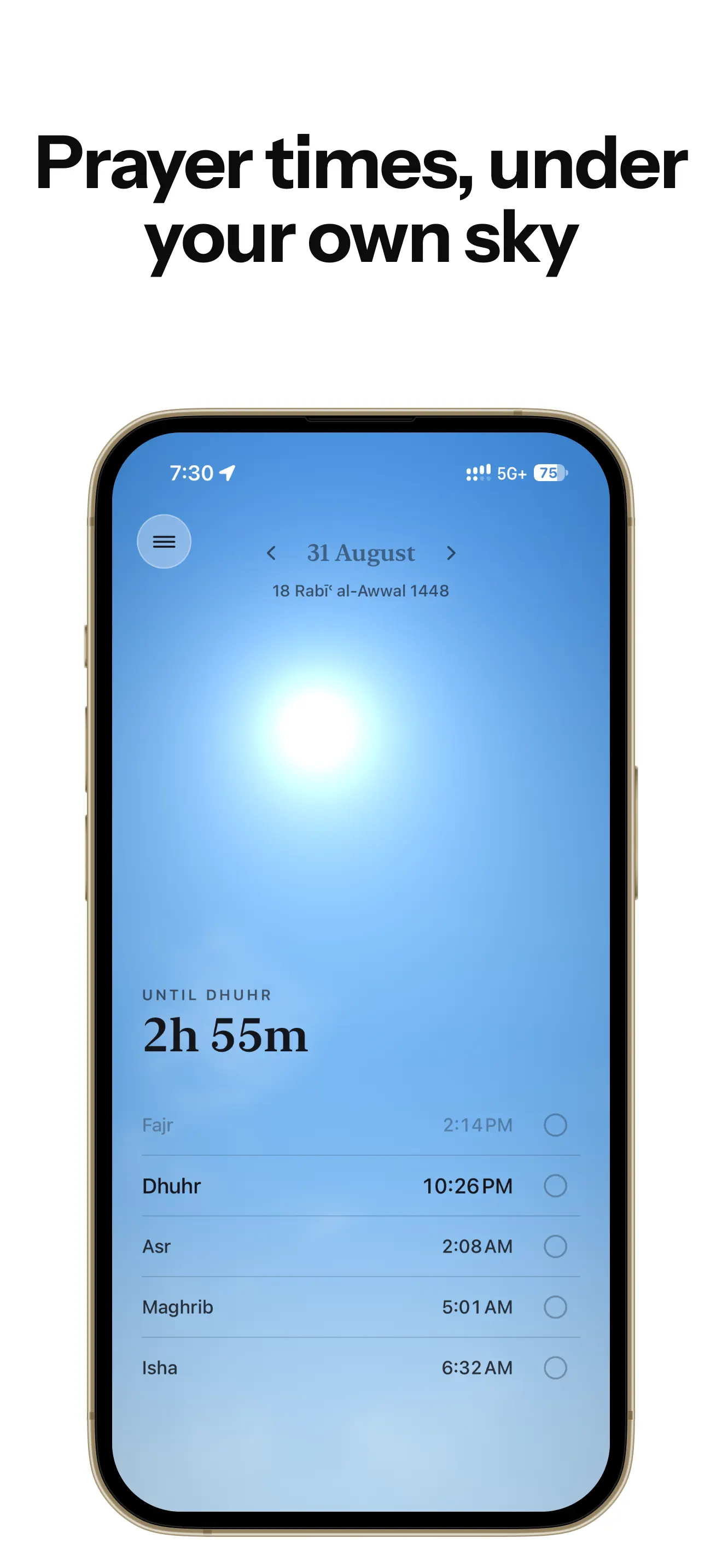
Mishkāh, the iPhone app DrisH builds at DRISH LABS, has a Qibla compass with a smooth, calibrated needle. Next to it are prayer times for your exact location, with adhan notifications and a next-prayer countdown on the Lock Screen. The full Quran is in the app to read offline, and a daily verse can sit on your Lock Screen as a widget. It needs no account and has no tracking. Mishkāh is free to download; an optional Pro subscription adds full recitation and an ambient reading mode. If a verse on your Lock Screen is what you're after, see how to put a Quran verse on your iPhone Lock Screen.
FAQ
Which way is the Qibla from my location?
It depends on where you are. It's about 119° from London, 58° from New York, 295° from Jakarta and 136° from Cairo, measured clockwise from true north. Use a Qibla calculator with your own location for the exact figure.
Can I find the Qibla with the iPhone Compass app?
Yes. Look up the Qibla bearing for your location, open Compass, hold the phone flat, and turn until the heading matches the bearing. Turn on Use True North in the Compass settings first.
Why is my iPhone compass showing the wrong Qibla direction?
Usually because of magnetic interference from nearby metal, a magnetic case or a MagSafe accessory, or because the compass is set to magnetic north while the Qibla bearing is measured from true north.
Does the Qibla direction change during the day?
No. The direction from a fixed place to the Kaaba never changes. Only your phone's reading of it can wander.
Why does the Qibla point north-east from the USA?
Because the shortest route over the globe from North America to Mecca crosses the Atlantic heading north-east. A flat map makes it look south-east, which is why some older mosques face that way.