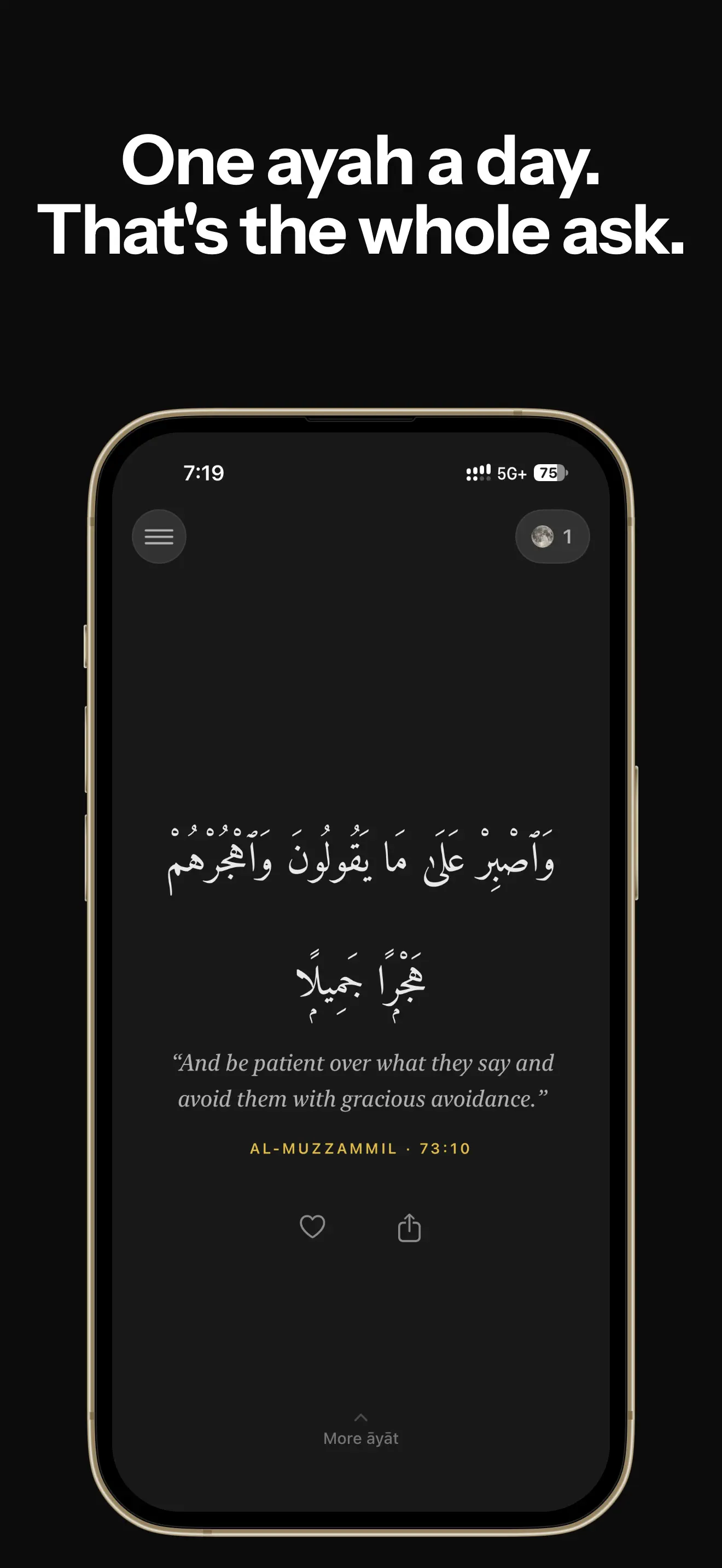
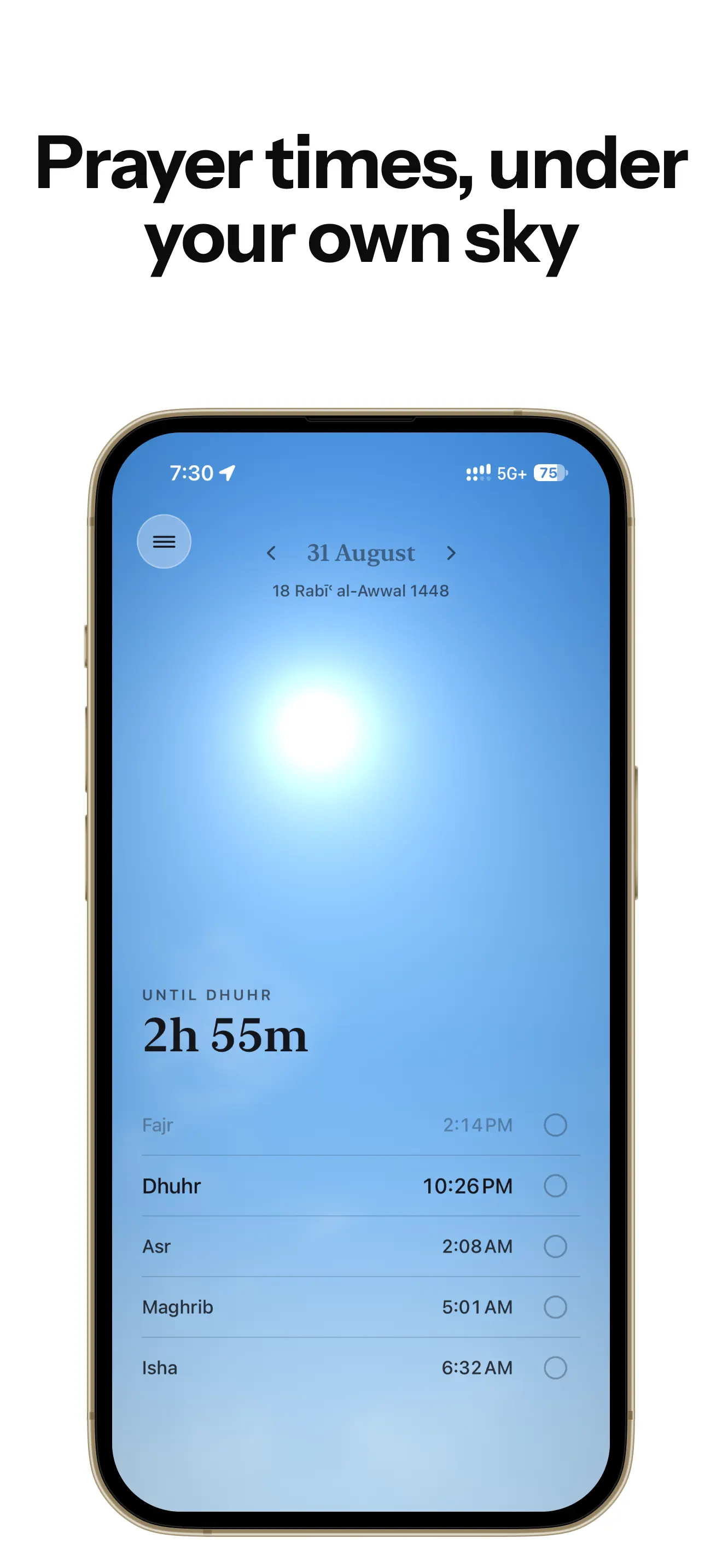
Both need iOS 16 or later, the version that brought widgets and custom wallpapers to the Lock Screen. You can check yours in Settings → General → About.
A single verse as your wallpaper (free)
The simplest version: one ayah you want in front of you, every time you pick up the phone.
- Find the verse in any Qur'an app or on Quran.com and take a screenshot.
- In Photos, open the screenshot, tap Edit and crop it to the verse.
- Go to Settings → Wallpaper → Add New Wallpaper, tap Photos and choose the cropped image.
- Pinch and drag to place it, then tap Add and Set as Wallpaper Pair (or customize the Home Screen separately).
Place the verse in the lower half of the screen. The clock sits over the top third of the Lock Screen, and notifications stack up from the bottom, so the middle is the only area that stays clear. If the verse sits behind the clock, turn off the depth effect in the customize screen so the time does not cut into the text.
The limit is that it never changes. A verse you see two hundred times a day becomes wallpaper in the other sense, and you stop reading it.
A different verse each day with Photo Shuffle (free)
Photo Shuffle is a Lock Screen wallpaper that rotates through a set of photos on its own. Point it at your verses and the Lock Screen changes for you.
- In Photos, make an album, for example "Verses", and add your screenshots of the ayat you want to rotate through.
- Press the side button, then touch and hold the Lock Screen and tap the + button to make a new one.
- Choose Photo Shuffle, select the photos from your album, and set how often it changes, for example daily.
- Tap Add.
Apple also lets you link a Lock Screen to a Focus, so a Lock Screen with a verse can appear automatically when, say, a Personal Focus turns on.
The limits are the same as any picture. The text is only as sharp as your screenshot, there is no translation you can switch on and off, and you choose and crop every verse yourself. It is a good free setup if you are happy to curate the album once.
A verse widget: live text on the Lock Screen
A Lock Screen widget is a small block of live content under the clock: a circular one the size of a complication, or a rectangular one with a line or two of text. Apps on the App Store can supply them, and several show a verse of the Qur'an.
To add one, once the app is installed:
- Touch and hold the Lock Screen until Customize appears, then tap it.
- Tap Add Widgets.
- Tap or drag the app's widget into place, then swipe down and tap Done.
Before you choose an app for this, it is worth checking three things on its App Store page: whether it asks you to create an account, whether it shows ads, and whether the verse needs an internet connection to load. A widget that fetches its text from a server shows nothing on a plane.
Mishkāh: a verse widget that works offline
Mishkāh is the iPhone app made for exactly this. The widget is the product; the reader, prayer times and Qibla compass support it.
- Lock Screen widgets in circular and rectangular sizes, and Home Screen widgets in every size
- Uthmani script typeset in SF Arabic; the medium Home Screen widget adds a translation in your chosen language, the large one a short reflection
- Tap any widget to open that verse in its surah
- All 114 surahs are bundled in the app, from the Tanzil open data project, so the widget and the reader work with no connection
- No account needed, and Sign in with Apple is optional. Its App Privacy label lists usage and diagnostic data collected for analytics; where the law asks for consent, usage data is off by default
- A Live Activity on the Lock Screen counting down to the next prayer
The daily verse, the reader, prayer times and the Lock Screen widget are free. Mishkāh Pro adds full recitation and an ambient mode for reflection, with a 7-day free trial and then a yearly subscription. It needs iOS 18.2 or later.
Which to use
- One verse you want to keep in front of you: make it your wallpaper.
- A rotating set you choose yourself: Photo Shuffle with an album of verses.
- A new verse every day, as real text, without curating anything: a Lock Screen widget.
FAQ
Can I put a Quran verse on my iPhone Lock Screen without an app?
Yes, as a picture. Screenshot the verse, crop it and set it as your Lock Screen wallpaper, or use Photo Shuffle to rotate through your verses. Live text needs a widget from an app.
Which iPhones can show widgets on the Lock Screen?
Any iPhone on iOS 16 or later. Check your version in Settings → General → About.
Can the verse change every day automatically?
Yes. Photo Shuffle can change the wallpaper on a schedule you set, and a verse widget updates on its own.
Does a verse widget need an internet connection?
It depends on the app. Mishkāh bundles the full text, so its widget works offline; check how any other app loads its verses before relying on it.
Is Mishkāh free?
The daily verse, the reader, prayer times and the Lock Screen widget are free. Pro adds recitation and ambient mode, with a 7-day free trial.
Where does Mishkāh's Qur'an text come from?
The Tanzil open data project, a public-domain source used by many Qur'an apps.