Below are the three ways with their steps, what each is good for, and why a reversed voice sounds the way it does.
What happens when you reverse a recording?
Reversing plays the recording's samples from the last to the first. Digital audio is a list of samples, tens of thousands per second, so the pitch and the rhythm stay the same; what changes is that every sound now swells instead of decaying, so consonants lose their attack and words turn into a slurred, vowel-heavy blur.
Slowing a reversed clip down helps you learn it, and lowers the pitch at the same time, the way a tape or a record does. Half speed is an octave lower.
Method 1GarageBand, free
GarageBand, Apple's free music app, plays any recorded region backwards. Apple's GarageBand for iPhone guide puts it in the region settings: "Swipe the Reverse switch right to have the cell play in reverse."
- Open GarageBand, start a new song, and choose the Audio Recorder.
- Tap record, say or sing your phrase, and stop.
- Switch to Tracks view.
- Double-tap the region you recorded, then tap Settings.
- Swipe Reverse on, and press play.
It works, and it costs nothing. It is a lot of tapping for one reversed clip, in an app built for making songs.
Method 2A voice memo reversed in Safari, free
You can reverse a voice memo by saving it to Files and opening it in the free Reverse Audio tool on this site, which reverses the file in your browser.
- Record the phrase in Voice Memos.
- Tap the recording, tap Share, and choose Save to Files.
- Open Reverse Audio in Safari and choose the file.
- Play it reversed, slow it to 0.75× or 0.5× to learn it, and save the reversed version as a WAV if you want to keep it.
It reads MP3, M4A and WAV, takes files up to ten minutes long, and decodes the audio on your iPhone rather than on a server. It works the same in a browser on a computer, so it is also the way to reverse a song file or a clip on a laptop. It cannot record (a web page here never asks for the microphone), so the recording step stays in Voice Memos.
Method 3Reverse Singing, a reverse voice recorder
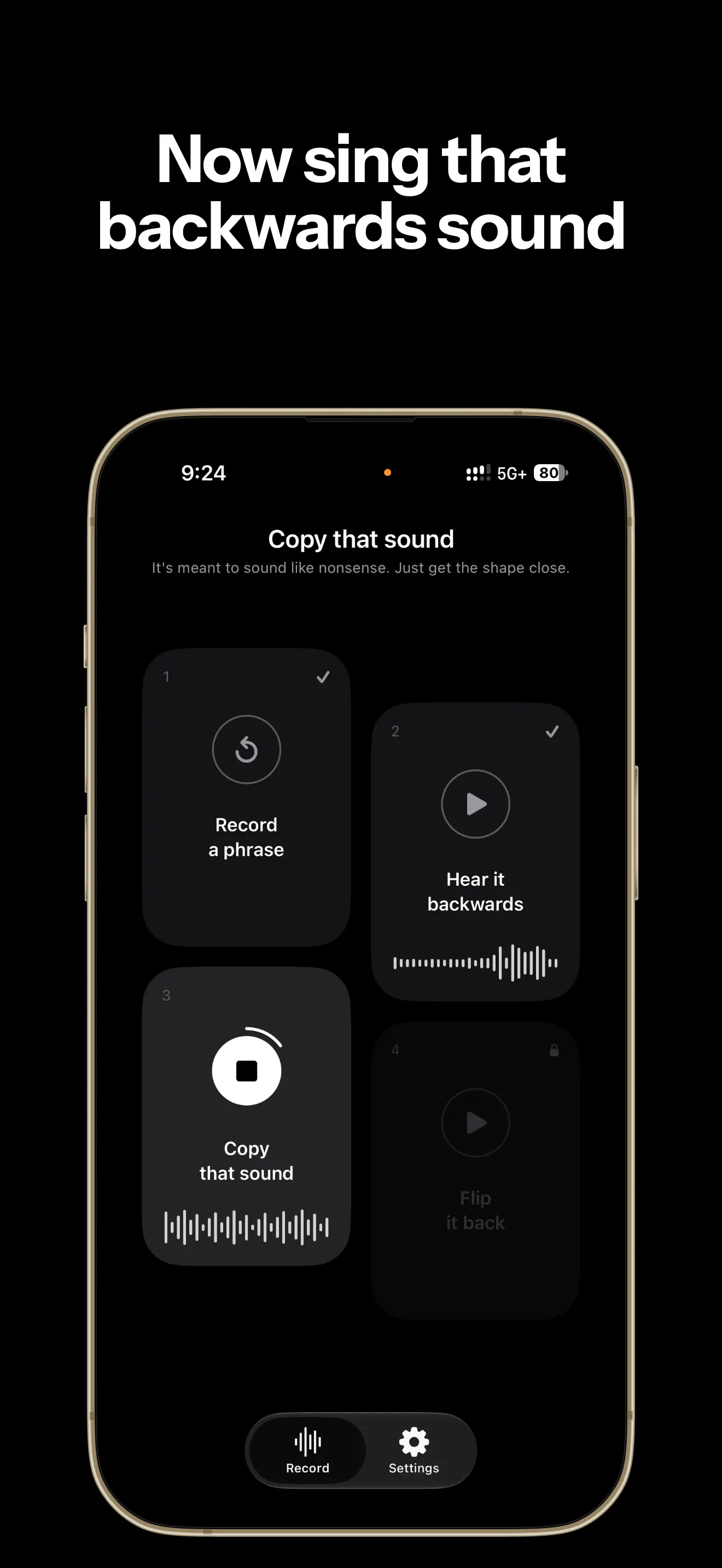
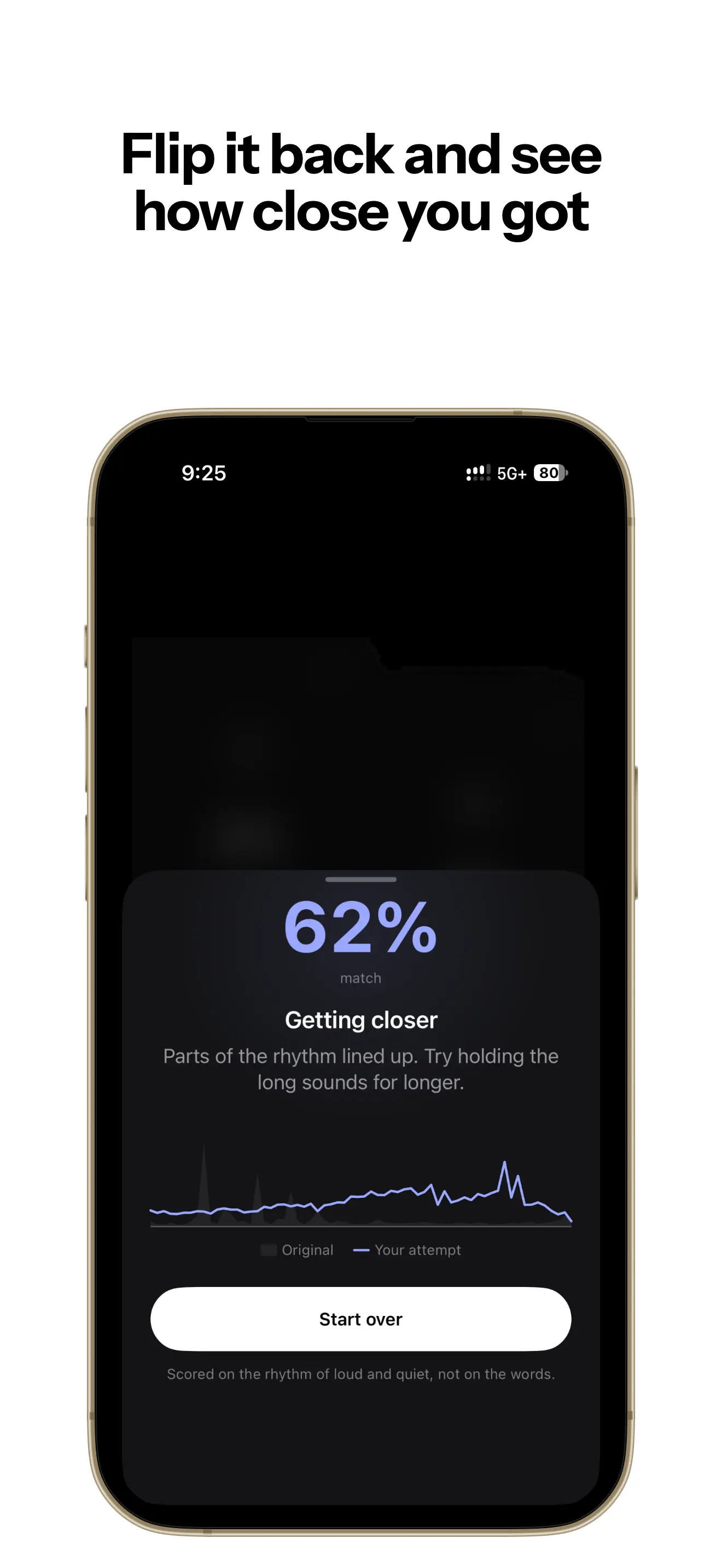
Reverse Singing is a reverse voice recorder for iPhone: it records your voice and plays it backwards straight away, with no file to save or open. It is the studio's app for the reverse singing game, where every step needs a reversal: record a phrase, hear it backwards, copy the backwards sound, then hear your copy reversed to find out whether the original comes back.
- Instant reversal of whatever you record, with every step replayable: the original, the reversed target and your attempt
- A live waveform, so you can see the sound as well as hear it
- Private by design: recordings stay on your iPhone, nothing is uploaded, there is no account, it asks for the microphone and nothing else, and it works with no connection
It is free to download with three rounds a day; Pro removes the daily limit. It needs iOS 26 or later, and it records rather than opening song files, so for a song use Method 2.
Which way should you use?
- You want it free and don't mind the steps: GarageBand's Reverse switch.
- You already have a voice memo, a song file, or you're on a computer: the Reverse Audio tool.
- You want to record your voice and hear it backwards, round after round: Reverse Singing.
FAQ
Is there a reverse voice recorder app for iPhone?
Yes. Reverse Singing records your voice and plays it backwards straight away, then reverses your attempt to copy it, so you hear how close you got to the original. It is free to download with three rounds a day, Pro removes the limit, and it needs iOS 26 or later. GarageBand does the same for free, with more taps per clip.
Can Voice Memos play a recording backwards?
No. Voice Memos can trim, enhance and skip silence, but it has no reverse. Share the memo to Files and reverse it with a tool or another app.
How do I reverse a voice memo?
Tap the memo, tap Share, choose Save to Files, then open the file in the free Reverse Audio tool in Safari. Play it reversed, and save the reversed WAV if you want to keep it.
Is there a free way to reverse audio on an iPhone?
Yes. GarageBand, Apple's free music app, has a Reverse switch in each region's settings, and the free Reverse Audio tool on this site reverses a file in Safari.
Can I reverse a song, not just my voice?
Yes, if you have the audio file. GarageBand and the Reverse Audio tool both reverse a file you can open, which is how people listen for hidden messages in a song played backwards.
Why does the slowed-down version sound deeper?
Slowing a recording plays the same samples at a lower rate, which lowers every frequency with it. Half speed is one octave down.