Fix a Faded Photo
- Runs in your browser
- Nothing uploaded
- No sign-up
 Need more than this?
Pick
Repairs the tears, creases, scratches, stains and blur a browser cannot touch, on a whole stack of old prints at once, and keeps every original beside its repair.
Not today? Get an email when Pick gets better
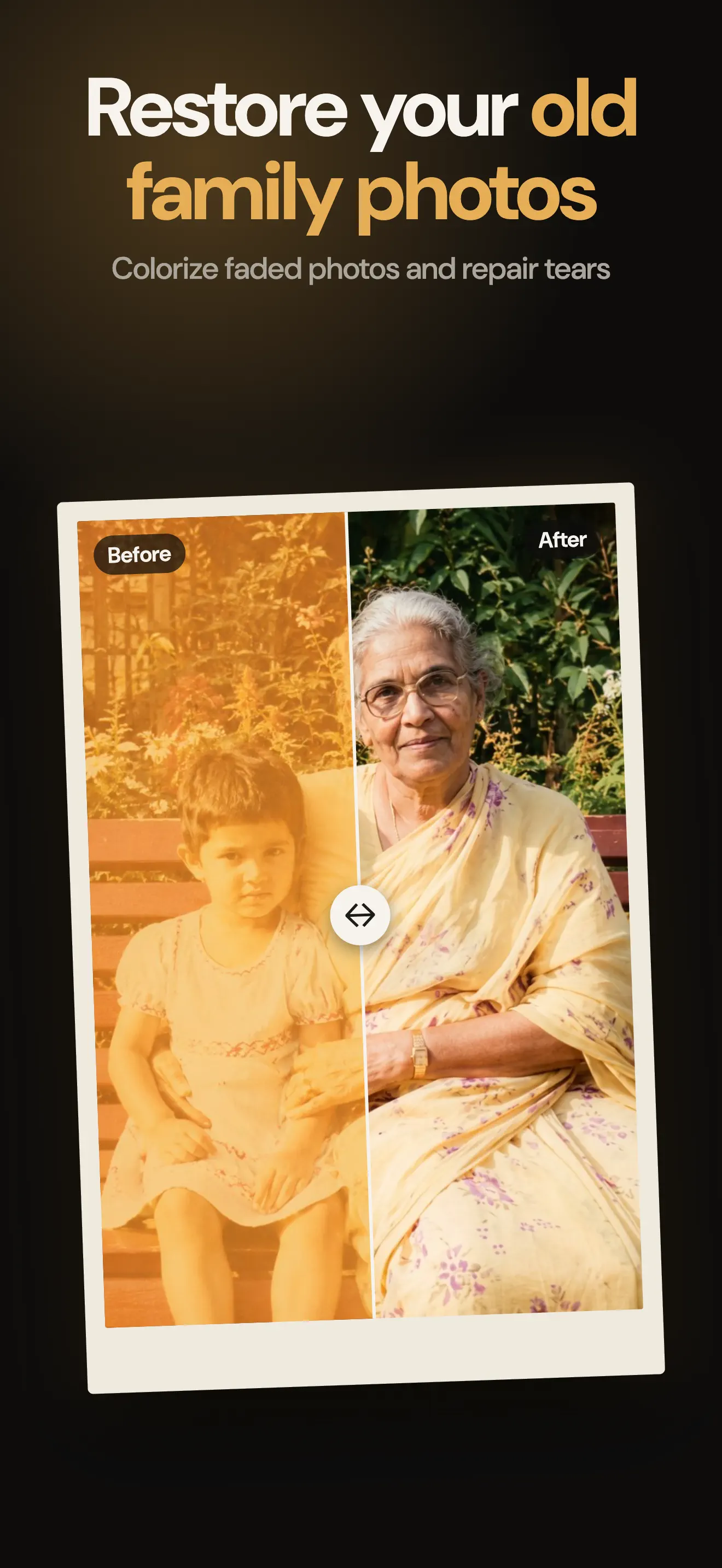
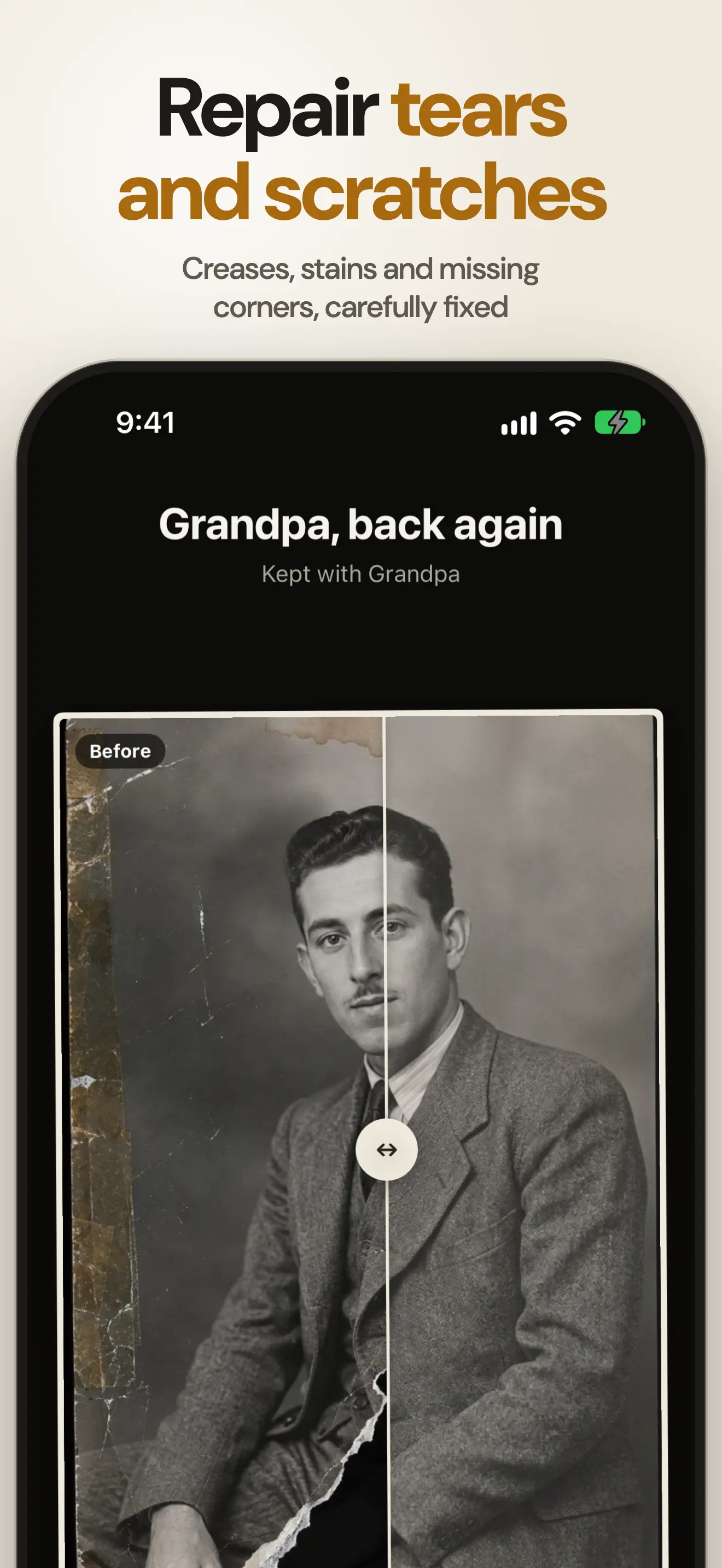
Updated · DRISH LABS
How do you fix a faded photo?
To fix a faded photo, stretch each colour channel — red, green and blue — back to its full range, so the darkest tones become black and the lightest white. That restores the contrast and removes the orange or magenta cast together, because on a faded print one channel has usually shrunk more than the others. A free browser tool does it automatically from a scan; it cannot repair tears or scratches.
How it works
- Drop a scan or a phone photo of an old print.
- The page measures each colour channel — red, green and blue — and finds the darkest and lightest tones each one still reaches, ignoring the outer 0.5% so a speck of dust does not count. On a faded print those ranges have shrunk, and one of them has usually shrunk more than the others: that is the orange or magenta cast.
- Each channel is then stretched back to the full range, so the darkest tones become black and the lightest white. Fading and cast come out together, because both were the same thing.
- Drag the compare slider to see the original beside the result. Turn the auto fix down if it goes too far, and use warmth and contrast to taste — a little warmth often suits an old family photo better than neutral.
- Download a JPEG at the photo’s full size. The page also shows how far each channel had faded, so you can see what was wrong rather than take it on trust.
When you need it
- An orange or red cast on a 1970s print
- Colour prints of that era lose their cyan dye first, so everything drifts towards orange and red. Stretching each channel separately puts the blue and green back where they were, which no single brightness or saturation slider can do.
- A black-and-white photo that has turned grey or sepia
- The auto fix restores the black and white points so the photo has depth again; set the warmth to the left to take out a yellowed paper tone, or to the right to keep it.
- A dull scan from a flatbed or a phone
- Scanners and phones often expose old prints cautiously, leaving them flat. The same levels stretch gives them back their contrast before you share them with the family.
Questions
How do I fix a faded photo for free?
Drop a scan or a photo of the print above. The page stretches each colour channel back to its full range, which restores the contrast and removes the colour cast together, and lets you download the result as a JPEG.
Why do old photos turn orange?
Colour prints are made of three dye layers that fade at different rates. On many prints the cyan layer goes first, which leaves the image leaning towards orange and red. Rebalancing the channels separately is what brings the colour back.
Is my photo uploaded?
No. The photo is opened, corrected and exported inside your browser, and nothing is sent anywhere.
Can it repair tears and scratches?
No. This page changes colour and contrast only. Tears, scratches, stains and blur need the damaged areas reconstructed, which is what Pick does on an iPhone.
Will the download be smaller than my scan?
Only if the scan is larger than the biggest image your browser will draw — about 16 megapixels on many devices. The page says so when it has to reduce it.
Can it colourise a black-and-white photo?
No. It restores the tones a photo already has; it cannot invent colour that was never there.
Keep going
How to unblur a photo on iPhone, and what no app can fix
Sharpen a blurry iPhone photo free with Photos' Sharpness slider.
GuideHow to digitise and restore old family photos with your phone
Photograph old prints without glare or distortion.
GuidePhoto Watermark
Put your name or logo on a photo.
Free tool