Below is what each site offers, what your computer can do, and the extensions that fill the gap. Extension figures are from each Chrome Web Store listing, read on 24 November 2026.
Can you set a time limit for Shorts, Reels or TikTok in a browser?
Only for TikTok. Here is what each site offers on a computer:
YouTube. The Shorts feed limit is set in the app: You›Settings›Time management›Shorts feed limit, and YouTube's list includes zero. Its help describes it only in the app, and says that on your own account the reminder at the limit offers "an option to dismiss or ignore your set limit". Set by a parent on a supervised account, it stops the Shorts feed for the rest of the day and resets every morning. Its Take a break reminder is also documented for the app only.
Instagram. The Daily limit (Profile›Menu›Time management›Daily limit) is a reminder, and Instagram's help says plainly that it "isn't available on computers". Teen Accounts start at one hour a day. A parent supervising a teen can choose to block Instagram at the limit, counted across all their devices, and can set that from instagram.com.
TikTok. Daily screen time can be set in a browser: your profile picture › Settings›Screen time›Daily screen time, then a time for every day or a custom one for each day. At the limit you choose to close TikTok or enter the on-screen passcode to keep watching, so on your own account it is a speed bump. It is on by default at one hour for 13- to 17-year-olds, and a parent using Family Pairing holds the passcode.
Facebook. Your time on Facebook (Settings › Preferences) shows how long you have spent; its help describes no limit for Reels.
So on a computer, only TikTok has a limit of its own, and nothing counts the three together.
Is YouTube Shorts or TikTok easier to limit?
On a computer, TikTok: it is the only one of the two with a daily limit in the browser, though on your own account a passcode skips it. On a phone, both apps have a limit. YouTube's Shorts feed limit can be set to zero, and TikTok's daily screen time lets you pick the minutes; on your own account either can be waved past, and set by a parent on a supervised or paired account, both hold.
Can Screen Time limit YouTube on a Mac?
Yes, as a whole site. macOS can limit a single website:
- System Settings›Screen Time›App Limits›Add Limit.
- Under Websites, pick the site, or Add Website and type its address (youtube.com, instagram.com, tiktok.com).
- Set the time, every day or a custom time for each day, and turn on Block at end of limit.
Two catches. It limits the whole site, so an hour on youtube.com counts the tutorial you came for the same as Shorts. And Apple's help doesn't say which browsers a website limit applies in, so test it in the browser you actually use before you count on it.
Can Windows Family Safety limit time on a website?
No. Microsoft's help is direct: "Time limits do not work on websites." Family Safety can limit apps and games, and can filter websites in Edge, but it can't give a family member an hour a day on a site.
Does Chrome have a time limit for websites?
No. Chrome has no built-in time limit for a site. On a Chromebook supervised with Family Link, a parent can allow or block sites, but Family Link's time limits apply to apps, not to sites in Chrome.
Which extensions limit time on a site?
General-purpose site limiters work on any address you give them, one site at a time:
- LeechBlock NG: 100,000 users, 5.0 stars from 1.7K ratings, free. Up to 30 sets of sites, each blocked in fixed hours, after a time limit ("allow up to 10 minutes in every hour", in its own example), or both, with an optional password on its options page. Its developer's usage examples write rules for parts of a site, so a set can be aimed at Shorts alone; build and test the rule yourself.
- StayFocusd: 700,000 users, 4.4 stars from 8.8K ratings. It restricts the time you can spend on chosen sites, can block a whole site or particular subdomains, paths and pages, can hide Shorts on YouTube, and has a "Nuclear Option" that blocks sites for the hours you set and "cannot be canceled".
Is there one limit for Shorts, Reels and TikTok together?
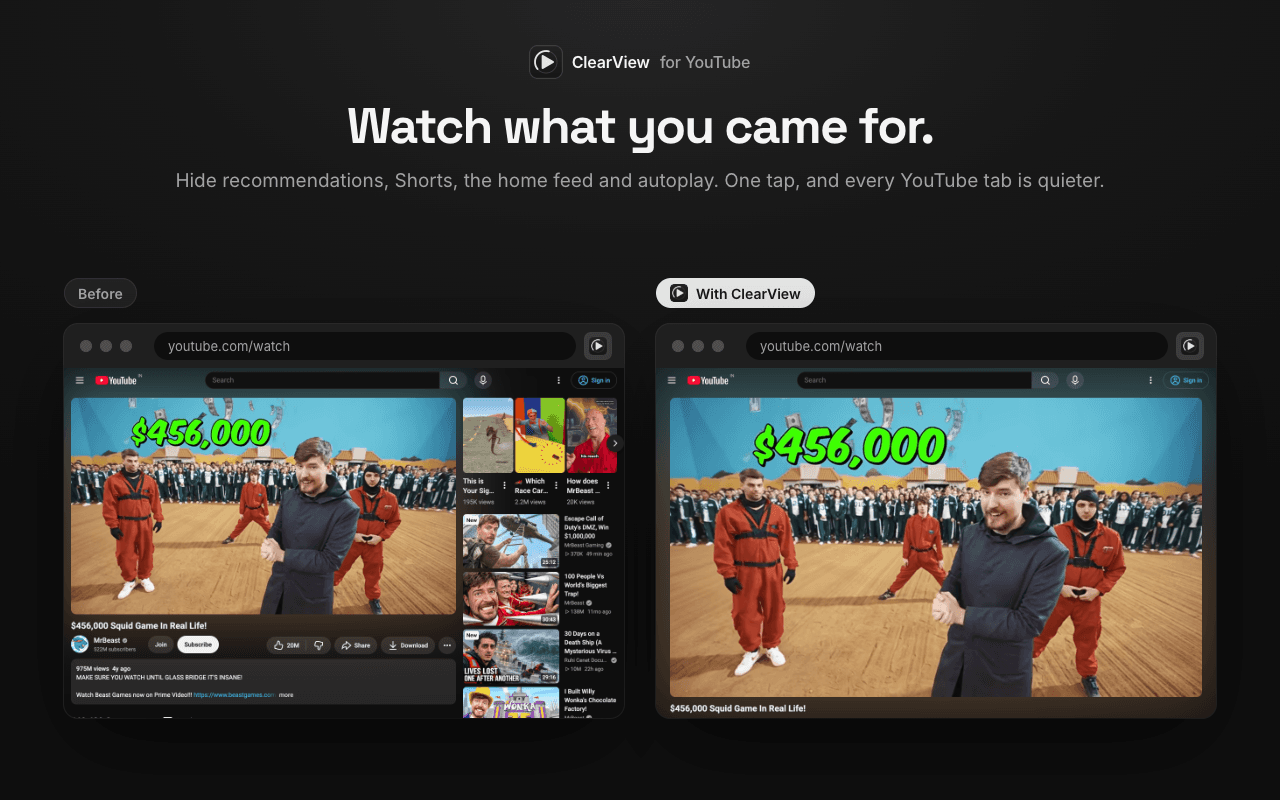
Not from the platforms, which each count only their own app. ClearView, a free Chrome extension from DRISH LABS, keeps one daily allowance for short videos and holds every short-video site you turn on to it.
- One limit, shared. YouTube Shorts counts from install. Turn on Instagram, TikTok and Facebook and their short videos spend the same allowance, so switching apps doesn't reset it.
- Only the short videos. It counts Shorts and Reels and TikTok, not the rest of the site, so a tutorial on YouTube or a message on Instagram spends nothing.
- Only the seconds that play. A paused Short doesn't count.
- 5 minutes to 4 hours, with what is left today and the last seven days in the extension.
- At the limit short videos pause and stay hidden until midnight, behind a calm screen that offers your Subscriptions or closing the tab.
- An optional password guards anything that loosens the limit: turning it off, raising it, or resetting today. Lowering it never asks.
ClearView is a commitment device for your own use. Anyone can remove an extension, and ClearView says so. For a child, the account-level limits above (YouTube's on a supervised account, Instagram's teen supervision, TikTok's Family Pairing) are the ones that hold.
How do you make a daily limit stick?
Set it while you are calm, limit only the part that pulls you in, and make loosening it harder than keeping it.
- Pick the number before you open the feed, and pick it low: you can always lower a limit, but raising it should cost something.
- Limit the short videos, not the whole site, so the tutorials and messages you came for don't use up the allowance and tempt you to switch the limit off.
- Put a password or a passcode in the way of loosening it, ideally one someone else holds.
- Give yourself somewhere to go at the limit, such as your subscriptions, so stopping isn't a dead end.
Which should you use?
- TikTok only: its own daily screen time, in the browser.
- A whole site, on a Mac: Screen Time's website limit, once you have checked it works in your browser.
- Your own rules for any site: LeechBlock NG or StayFocusd.
- One daily allowance for Shorts, Reels and TikTok together, counting only the short videos: ClearView.
- A child's account: the platforms' own supervision first, then a filter on the computer.
FAQ
Can I set a Shorts limit on YouTube on a computer?
YouTube's help describes the Shorts feed limit only in the YouTube app. On a computer, an extension does it. ClearView counts only Shorts, not the rest of YouTube.
Does Instagram's daily limit work on a computer?
No. Instagram's help says the daily limit isn't available on computers. A parent supervising a teen can set a limit that counts time on every device.
Can I limit TikTok in a browser?
Yes. TikTok's Daily screen time can be set from Settings › Screen time in a browser. At the limit you can close TikTok or enter a passcode to keep watching.
Can Screen Time limit YouTube on a Mac?
It can limit youtube.com as a whole, under App Limits › Websites. It can't tell Shorts from other videos, and Apple doesn't say which browsers the limit applies in.
Can Windows Family Safety limit time on YouTube in a browser?
No. Microsoft's help says its time limits don't work on websites.
Is there one limit for Shorts, Reels and TikTok together?
Not from the platforms, which each count only their own app. ClearView keeps one allowance across YouTube Shorts, Instagram Reels, TikTok and Facebook in Chrome.