QR Code Generator
- Runs in your browser
- Nothing uploaded
- No sign-up
 Need more than this?
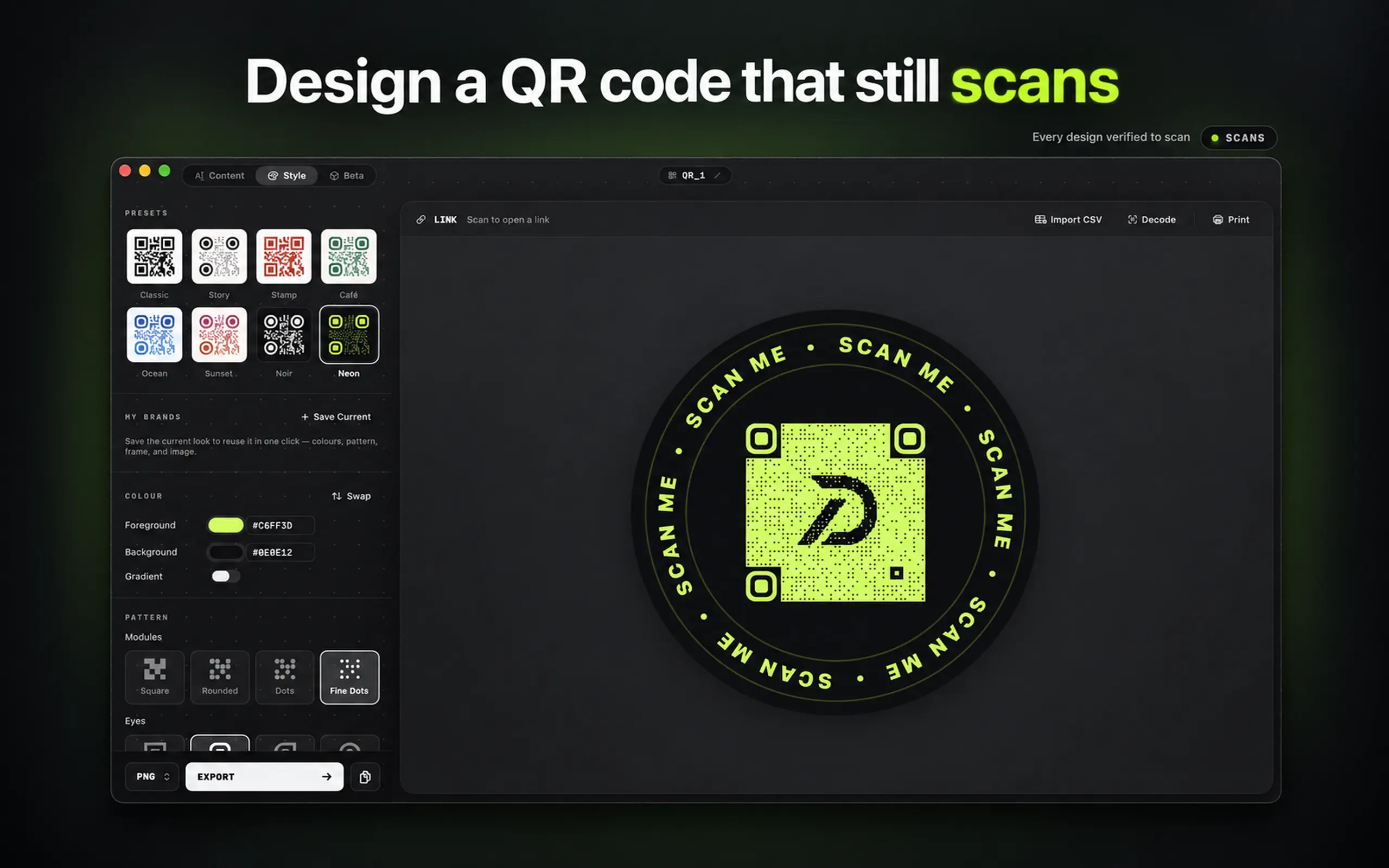
QR Craft
Designs branded codes on the Mac — your logo in the centre, custom module shapes and frames — so a code on a menu or a card looks like it belongs there.
Not today? Get an email when QR Craft gets better
Updated · DRISH LABS
How do you make a QR code for a link or Wi-Fi network?
To make a QR code for a link or a Wi-Fi network, encode the link, or the network name and password, into a static code: the data is inside the pattern itself, so it never expires and nothing tracks a scan. Pointing a phone camera at a Wi-Fi code offers to join the network. Use SVG for print so it stays sharp, keep the quiet zone, and choose error-correction level H if a logo covers the middle.
How it works
- Choose what the code holds — text or a link, a Wi-Fi network, an email, a phone number or a contact card — and fill in the fields. The exact string the code will contain is shown under it.
- For Wi-Fi, the network name and password are escaped for you: a semicolon, comma, colon, quote or backslash in a password would otherwise end the field early and the phone would join with the wrong password.
- Pick the error-correction level. Higher levels survive more damage but make the code denser; H is the one to use if a logo will sit over the middle.
- Set the colours and the quiet zone. If the modules are lighter than the background, or the contrast drops under 4:1, the tool warns you — many scanners fail on both.
- Download a PNG at the size you set, up to 4,096 pixels, or an SVG that scales to any print size. The code is static: it contains the data itself, so it never expires and nothing tracks a scan.
What decides the size of a code
A QR code has 40 versions, from 21×21 modules to 177×177, and the generator picks the smallest that holds the data at the chosen error-correction level. Error correction is Reed–Solomon: level L can rebuild about 7% of damaged modules, M 15%, Q 25% and H 30%, and every step up spends more of the symbol on redundancy. So a long URL at level H can need a version several steps larger than at L. Shorter content scans faster and from further away.
modules per side = 17 + 4 × version (version 1 → 21, version 10 → 57, version 40 → 177)
When you need it
- Guest Wi-Fi on a card
- Print a Wi-Fi code for a café, an office or a rental. Pointing a phone camera at it offers to join the network, with no password typed — supported by iOS 11 and later and by Android.
- A link on print
- Menus, posters, packaging and slides. Download the SVG for print so it stays sharp at any size, and keep the quiet zone so the code is not crowded by the design around it.
- A contact card
- A vCard code on a business card or a conference badge adds your name, phone, email and site to the scanner's contacts in one tap.
- An App Store link
- Put your app's store link on a slide or a printed flyer. A static code holds the link itself, so it keeps working as long as the page does.
Questions
Do these codes expire, or track scans?
No. These are static codes: the text, link or network details are inside the pattern itself, so there is no redirect service in between, nothing to expire and nothing that counts scans. "Dynamic" codes from other generators point at their own short link, which they can turn off or charge for.
Which error-correction level should I use?
M is a good default. Use L when the code must stay as small as possible on screen, Q for print that may get scuffed or folded, and H if you plan to put a logo over the centre — the logo destroys modules, and H can rebuild about 30% of them.
Why does my Wi-Fi password have backslashes in the payload?
The Wi-Fi format separates fields with semicolons, so a ; , : " or \ inside the network name or password is escaped with a backslash. The phone removes the backslashes when it reads the code; without them a password containing a semicolon would be cut short.
Can I use colours?
Yes, as long as the modules stay clearly darker than the background. Many scanners look for dark modules on a light ground and will not read an inverted code, and low contrast fails in poor light. The tool warns under 4:1 or when the colours are inverted.
Does it support accented and non-Latin text?
Yes. Text is encoded as UTF-8. The QR standard's default is ISO-8859-1 and this tool does not add an ECI marker, so it relies on the scanner recognising UTF-8 — every current phone camera does, but some older dedicated scanners may not.
PNG or SVG?
SVG for print and design tools: it is vector, so it is sharp at any size. PNG for places that only take images — set the pixel size large enough that each module is several pixels wide.
Is anything uploaded?
No. The code is drawn in this tab and the downloads are created in the page. Nothing is sent or stored.
Keep going
The best QR code generators for Mac in 2026, free and paid
QR code generators for Mac compared.
GuideHow to make a QR code with a logo that still scans
Put a logo on a QR code without breaking it.
GuideQR codes, by what they do
8 kinds, with the exact text each encodes.
Quick facts