How to make a Map location QR code
A location QR code opens a map with a pin on the exact spot — a shop entrance, a car park, a trailhead, a pop-up stall. It saves people searching for an address that does not quite point to the door.
Updated · from 3 official sources · DRISH LABS
What the code contains
A QR code is text. For this kind, the text has to follow this exact pattern:
https://www.google.com/maps/search/?api=1&query=<latitude>%2C<longitude>Filled in, it looks like this:
https://www.google.com/maps/search/?api=1&query=51.50135%2C-0.14189What happens when someone scans it
It is an ordinary link, so every camera opens it: Google documents that this Maps URL opens the Google Maps app where it is installed, on Android and iOS, and a browser everywhere else. The shorter geo:latitude,longitude form (RFC 5870) is read by Android but is not documented for the iPhone camera, which is why the link is the safer payload.
Make one free
- Find the spot in a map app and copy its latitude and longitude.
- Build the link: https://www.google.com/maps/search/?api=1&query=LAT%2CLNG — with the comma written as %2C, as Google’s documentation requires.
- Open the QR Code Generator, leave it on Text, and paste the link.
- Download the code and scan it to check the pin lands where you meant.
Open the free QR code generator — it runs in your browser and uploads nothing.
So it works when it is printed
- Latitude comes first, then longitude, in decimal degrees; south and west are negative (RFC 5870, WGS-84).
- Five decimal places locate a spot to about a metre — enough for a door.
- The api=1 parameter is required; without it Google ignores the rest of the link.
- Scan the finished code with two different phones before you print a batch — it is the only test that counts.
Questions
geo: or a Google Maps link — which should I use?
Will it open Apple Maps on an iPhone?
How precise does the location need to be?
Sources
- ZXing — Barcode Contents · read October 12, 2026
- RFC 5870 — The geo URI scheme · read October 12, 2026
- Google — Maps URLs · read October 12, 2026
Requirements change without notice. Check the official source before you rely on a figure here.
 The faster way
QR Craft
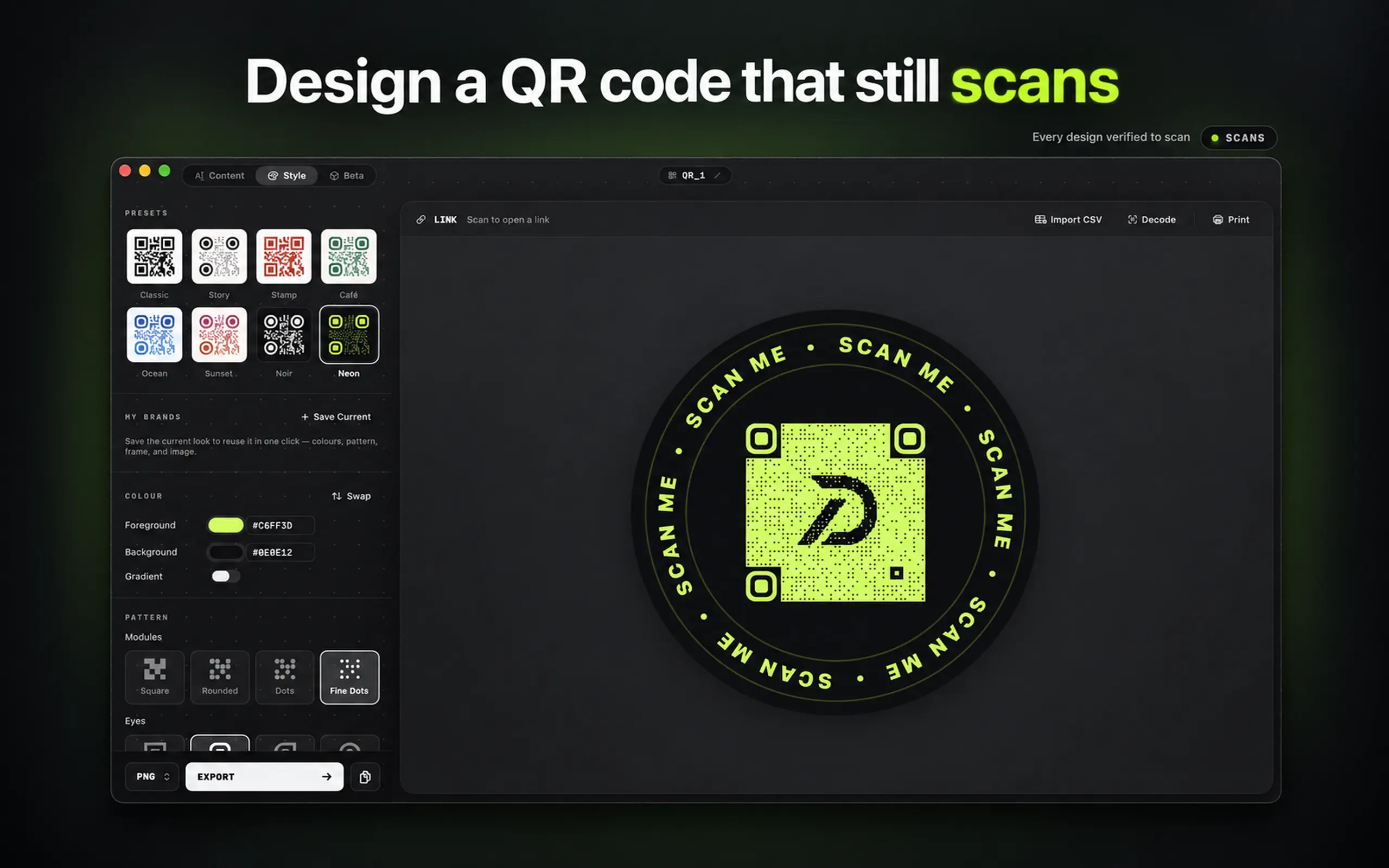
A QR code generator for Mac that adds your logo and checks it scans.
Not today? Get an email when QR Craft gets better