Keyboard Cleaning Mode
- Runs in your browser
- Nothing uploaded
- No sign-up
Every key you press is caught and thrown away until you click Done, hold Escape for two seconds, or the timer runs out. The mouse and trackpad keep working.
End automatically after
Press a few keys to check they register before you start.
For a proper clean with a damp cloth, Apple’s guidance is to shut the Mac down and unplug it first. This is for a quick dry wipe while the screen is on.
 Need more than this?
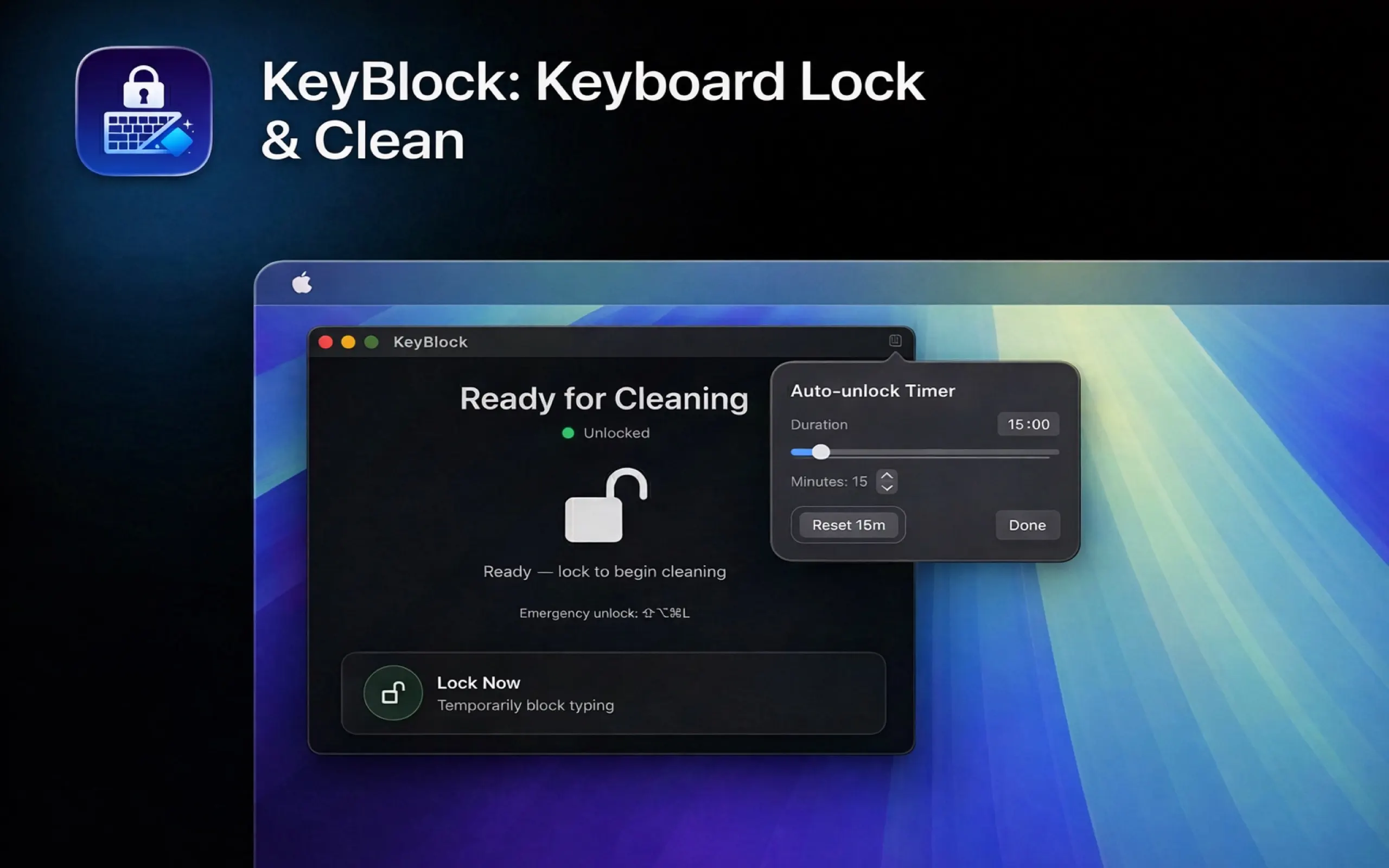
KeyBlock
Pauses every key on your Mac from the menu bar, whatever app is in front, with an auto-unlock timer of up to an hour and no permissions to grant.
Not today? Get an email when KeyBlock gets better
Updated · DRISH LABS
How do you clean a keyboard without turning off the computer?
To clean a keyboard without turning the computer off, pause it in a browser: a full-screen cleaning mode catches every key press and throws it away for one, two or five minutes while the screen stays on, and the mouse or trackpad ends it. It only works while that browser page is focused. For anything beyond a light dry wipe with a soft, lint-free cloth, Apple says to shut the Mac down first.
How it works
- Pick how long the pause should last — one, two or five minutes — and press Start cleaning mode. The page goes full screen where the browser allows it.
- From then on every key press is caught by the page and thrown away before it can type, scroll or trigger anything in it. The last key you pressed lights up on screen, with a running count, so you can see the keys are being swallowed rather than wonder.
- In Chrome, Edge and other Chromium browsers the page also asks for the Keyboard Lock, which lets a full-screen page catch most system shortcuts as well. Safari and Firefox do not offer it, so there shortcuts such as ⌘-Tab and ⌘-Space still reach macOS — the page says which case you are in.
- The mouse and trackpad keep working: click Done to finish. Holding Escape for two seconds also ends it, and the timer ends it on its own, so it can never get stuck on.
When you need it
- A quick wipe without shutting down
- Crumbs, dust or a sticky key before a call, with a document open that you do not want typed into. Start the pause, go over the keys with a dry, soft, lint-free cloth, click Done.
- A cat, a toddler, or a bumped desk
- Pause the keyboard for five minutes before you step away or hand the laptop over. Whatever lands on the keys is swallowed, and the timer hands the keyboard back on its own.
- Checking that every key registers
- Each key you press lights up with its name while the mode is on, which doubles as a keyboard tester: press along a row and watch for one that does not show.
Questions
How do I clean my Mac keyboard without turning it off?
For a light dry wipe, pause the keyboard here, go over the keys with a soft, lint-free cloth, and click Done. Apple’s own guidance for anything more — a damp cloth, anything near liquid — is to shut the Mac down and unplug the power adapter first, and never to spray liquid onto it.
Does this lock my whole Mac?
No. It only catches keys while this page is in front. In Chromium browsers full screen with the Keyboard Lock catches most system shortcuts too, but macOS keeps some for itself, and in Safari and Firefox shortcuts like ⌘-Tab still switch apps. To lock the entire session, use Control-⌘-Q.
How do I get out if the keyboard is paused?
Click Done with the mouse or trackpad, which keep working throughout. Holding Escape for two seconds also ends it, and the timer ends it automatically after one, two or five minutes.
Why does Escape not stop it straight away?
Because a single Escape is exactly what a cloth or a paw presses by accident. Browsers that lock the keyboard require Escape to be held for two seconds to exit, and the page uses the same rule.
Is anything I type recorded?
No. The page counts key presses and shows the name of the last one; nothing is stored, and nothing is sent anywhere.
Is there a way to pause the keyboard in every app?
Not from a browser — a page can only see keys while it is focused. KeyBlock, the studio’s Mac app, pauses every key from the menu bar in a full-screen lock window, with an auto-unlock timer and no system permissions.
Keep going
The best keyboard lock apps for Mac in 2026: cleaning, cats and kids
Mac keyboard lock apps compared.
GuideHow to clean your Mac keyboard without shutting it down
Apple says shut down for a damp clean.
GuideHow to lock your Mac keyboard but not the screen
macOS can't turn off the keyboard and keep the screen on.
Guide