vCard and CSV Contacts Converter
- Runs in your browser
- Nothing uploaded
- No sign-up
Drop a file here, or paste.
 Need more than this?
vMerge
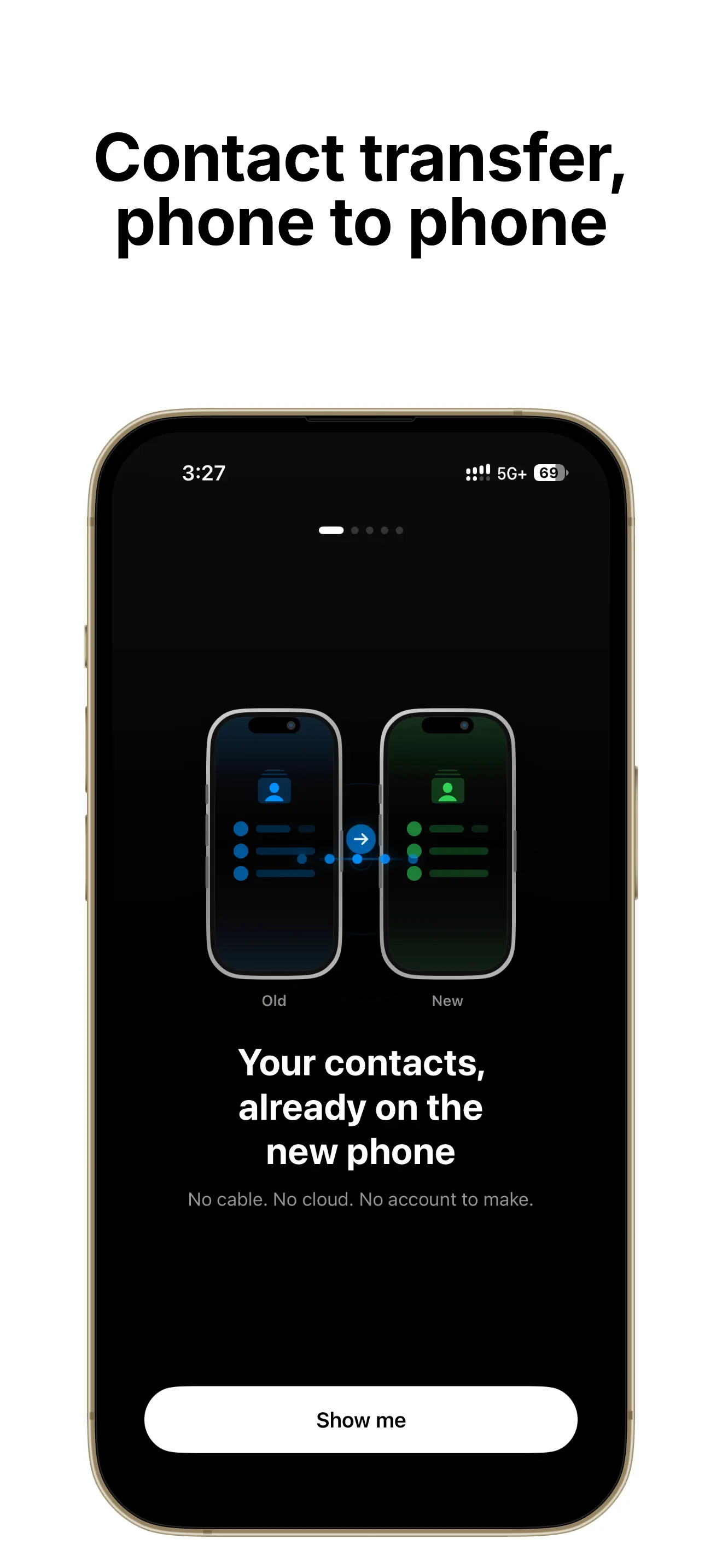
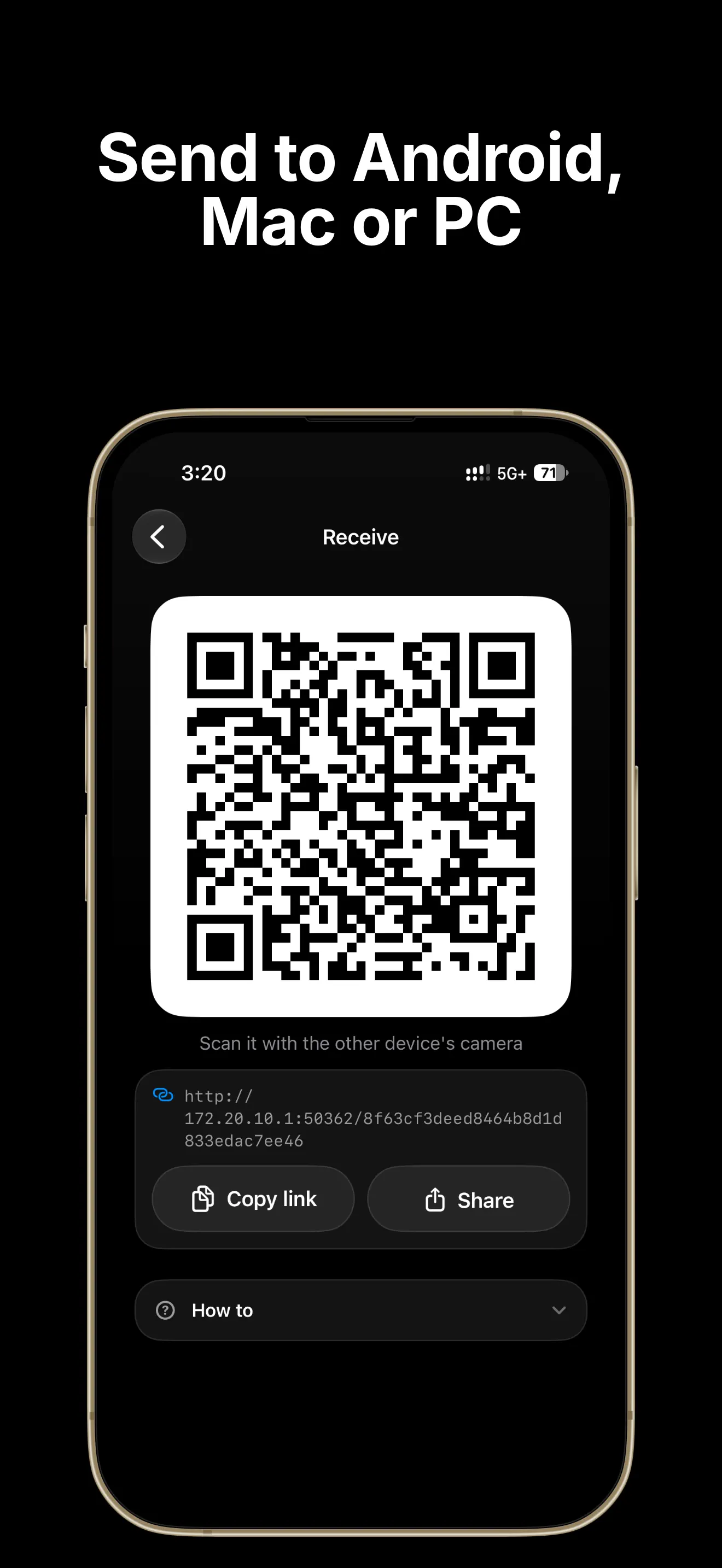
Moves your whole address book from one phone to another over local Wi-Fi — no cable, no cloud, no account — and merges duplicates by phone number before importing.
Not today? Get an email when vMerge gets better
Updated · DRISH LABS
How do you convert a CSV of contacts to a vCard (VCF)?
To convert a CSV of contacts to a vCard, match each column to a contact field — Google Contacts and Outlook header names map directly — and write each row as a card in a .vcf file, as vCard 3.0 for older importers or 4.0 when the app asks for it. An iPhone opens a .vcf from Files, Mail or Messages and offers to add the contacts, and Contacts on iCloud.com imports one.
How it works
- Pick the job: CSV to vCard, vCard to CSV, or clean up a .vcf. Drop a file, choose it, or paste the text. For a clean-up you can drop several .vcf files at once; they are read as one list.
- A CSV is read to RFC 4180 — commas inside quotes, line breaks inside a field, and semicolon or tab delimiters all work. Each column is matched to what it holds from the header names Google Contacts and Outlook commonly use (First Name, Phone 1 - Value, E-mail Address, Mobile Phone, Company…), and you can correct any guess column by column.
- A vCard is read the way RFC 6350 and RFC 2426 write it: folded lines are rejoined, escaped commas and semicolons are restored, and old vCard 2.1 files with quoted-printable text and bare types (TEL;CELL) are understood.
- With merging on, the same person found twice — by phone number, so +44 7700 900123 and 07700 900123 agree, or by email — becomes one contact, keeping every number, address and note from both.
- Check the preview and the counts before you download. vCards are written with CRLF line endings and folded at 75 octets, as 3.0 by default or 4.0 if you choose; CSVs get a header row in the Phone 1 - Label / Phone 1 - Value shape.
What makes two contacts the same person
A name is the weakest evidence there is: "John Smith", "Smith, John" and "J. Smith" are one person written three ways, and two colleagues can genuinely share a name. A phone number is either the same number or it is not, once the formatting is gone. So matching here strips a number to its digits and compares the last ten (dropping a country code or a leading trunk zero), then falls back to the email address, and never matches on a name.
same person ⇔ last 10 digits of a phone match ∨ an email matches (case-insensitive)
When you need it
- Putting a spreadsheet of contacts on an iPhone
- Save the sheet as CSV, convert it here and open the .vcf on the phone or import it at iCloud.com, which takes a vCard. Map the columns once — first name, last name, mobile, email — and every row becomes a contact card.
- Moving from Google Contacts or Outlook
- Both export CSV. Their header names are recognised and mapped for you, including Google’s habit of packing several numbers into one cell separated by ":::", which are split back into separate phones.
- Merging the .vcf files from two old phones
- Drop both exports into Clean up. The same person on both phones — saved once as "Mum" and once with a full name — is matched by number and becomes one card carrying both numbers and the longer name.
- Reading a .vcf someone sent you
- Paste or drop it to see every contact in a table, or convert it to CSV to open it in Numbers, Excel or Google Sheets.
- Cleaning an address book before importing it
- Export, run Clean up, and import the result into an empty account, rather than importing on top of an address book that already holds half the same people.
Questions
Are my contacts uploaded?
No. The file is read and converted by your browser, and the download is built in the page. Nothing is sent to a server.
How do I import a CSV into my iPhone contacts?
Convert it to a .vcf here first. Contacts on iCloud.com imports a vCard, and an iPhone opens a .vcf from Files, Mail or Messages and offers to add the contacts. The Contacts app on a Mac can import a CSV directly, with a field-mapping step.
Should I choose vCard 3.0 or 4.0?
3.0 is the default as the conservative choice: it predates 4.0, which was published in 2011, so older importers read it. Choose 4.0 when the app you are importing into asks for it.
How are duplicates found?
By phone number first — the last ten digits, ignoring spaces, dashes and country codes — then by email address. Never by name alone, because two different people can share a name. Duplicates are merged, keeping every field from both.
Why are photos missing from the result?
Contact photos are left out and counted, so you know how many there were. The fields carried are names, phones, emails, addresses, company, job title, birthday, notes and websites; custom (X-) fields, and phone labels other than mobile, work, home and fax, are not.
My CSV columns were not recognised. What now?
Choose what each column holds from the list beside its header — first name, phone, email and so on — or "Do not import". The preview updates as you go.
Keep going
How to transfer contacts from one iPhone to another
Move contacts to a new iPhone free with Quick Start or iCloud.
GuideHow to share multiple contacts on iPhone (or all of them at once)
Share several or all contacts from an iPhone as one file: export a list in Contacts, use iCloud.com, or AirDrop it.
GuideHow to transfer contacts from iPhone to Android without a computer
Move contacts from iPhone to Android free: Google's copy step at setup, an iCloud .vcf export, or your Google account.
Guide