
What is GIF Forge?
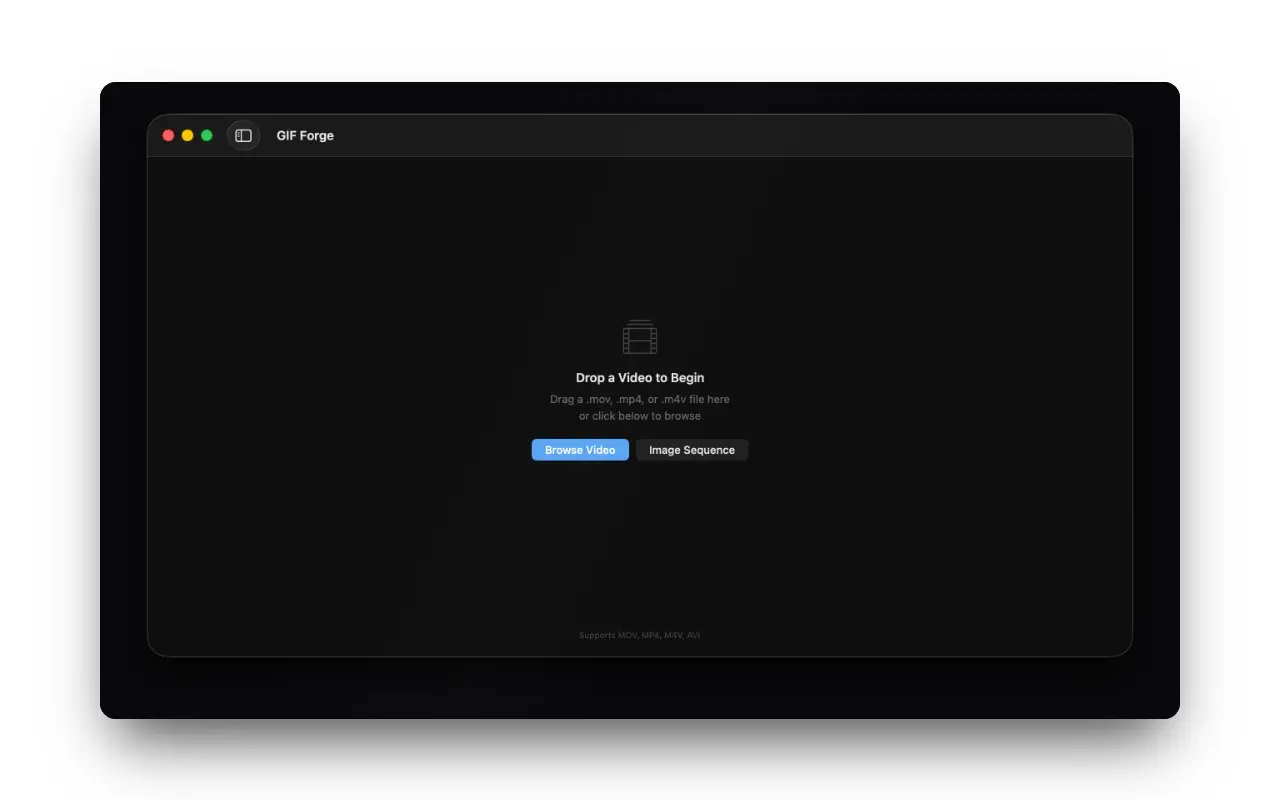
GIF Forge is a native macOS app that turns a video into a looping GIF. Drop in a MOV, MP4, M4V or AVI, trim to the seconds you actually want on a visual timeline, pick a size preset, and export.
It also runs the other way round: point it at a folder of frames and it assembles them into a single animation.
The problem
A GIF is how you show a thing working. A pull request with a ten-second recording attached gets reviewed faster than one with three paragraphs describing the same interaction, and a bug report with a GIF of the bug is a bug report somebody can act on.
Getting from a screen recording to that GIF is where it falls apart:
- ffmpeg does it perfectly, with a palette-generation incantation nobody remembers and everybody re-Googles
- Web converters are free and immediate, and want you to upload the recording — which, for a screen recording, means uploading whatever else was on your screen
- Photoshop exports GIFs, if you already have Photoshop open
- Most tools give you no idea how large the output will be until it exists, so you export, check, adjust, and export again
That last one is the real time sink. GIF file size is a function of dimensions, frame rate, colour depth and duration all at once, and every platform has its own ceiling. Guessing at four variables and re-exporting is most of the work.
What it does
- Drag and drop any video — MOV, MP4, M4V, AVI
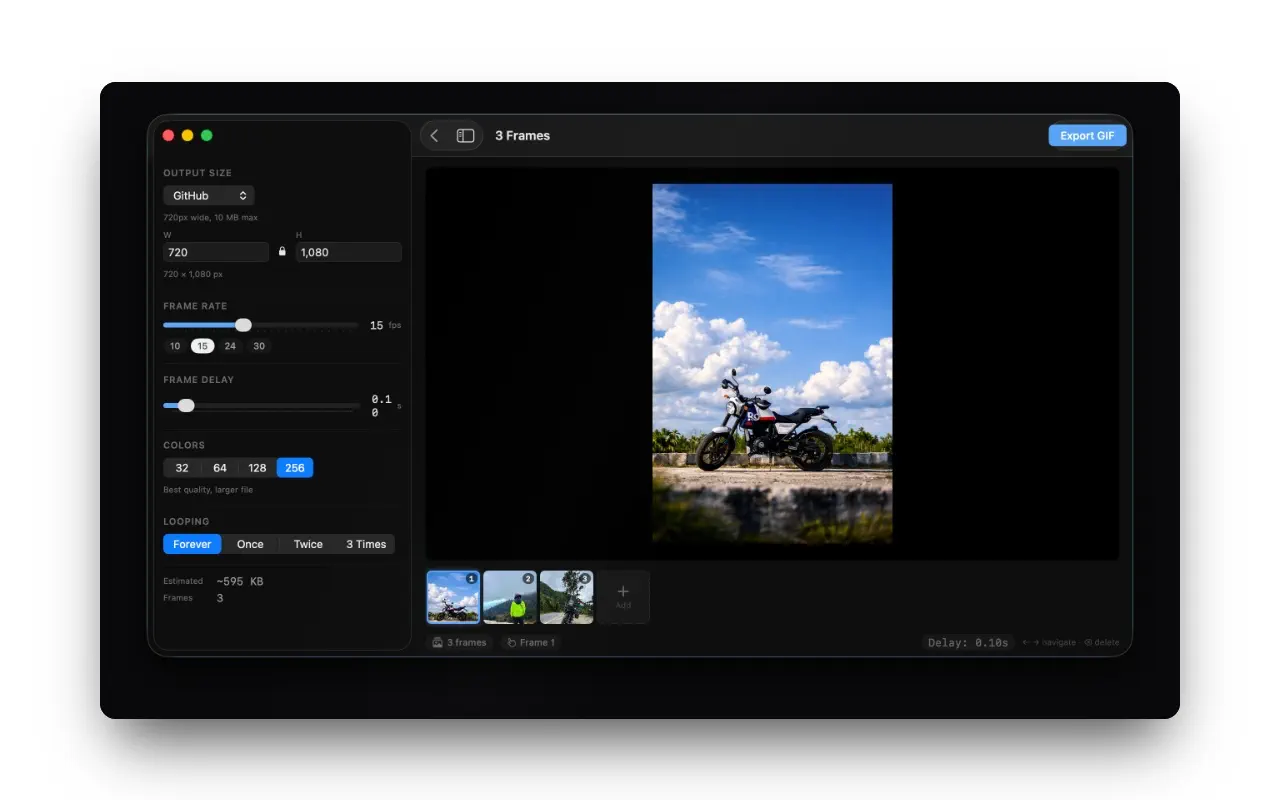
- Visual timeline trimmer — pick exactly the frames you want, not a start and end typed as numbers
- Size presets for GitHub, Slack, Twitter and Discord
- Full control over frame rate, colour depth and loop count when a preset is not what you want
- Image sequence mode — a folder of frames becomes one GIF
- Live file-size estimate before export, updating as you change settings
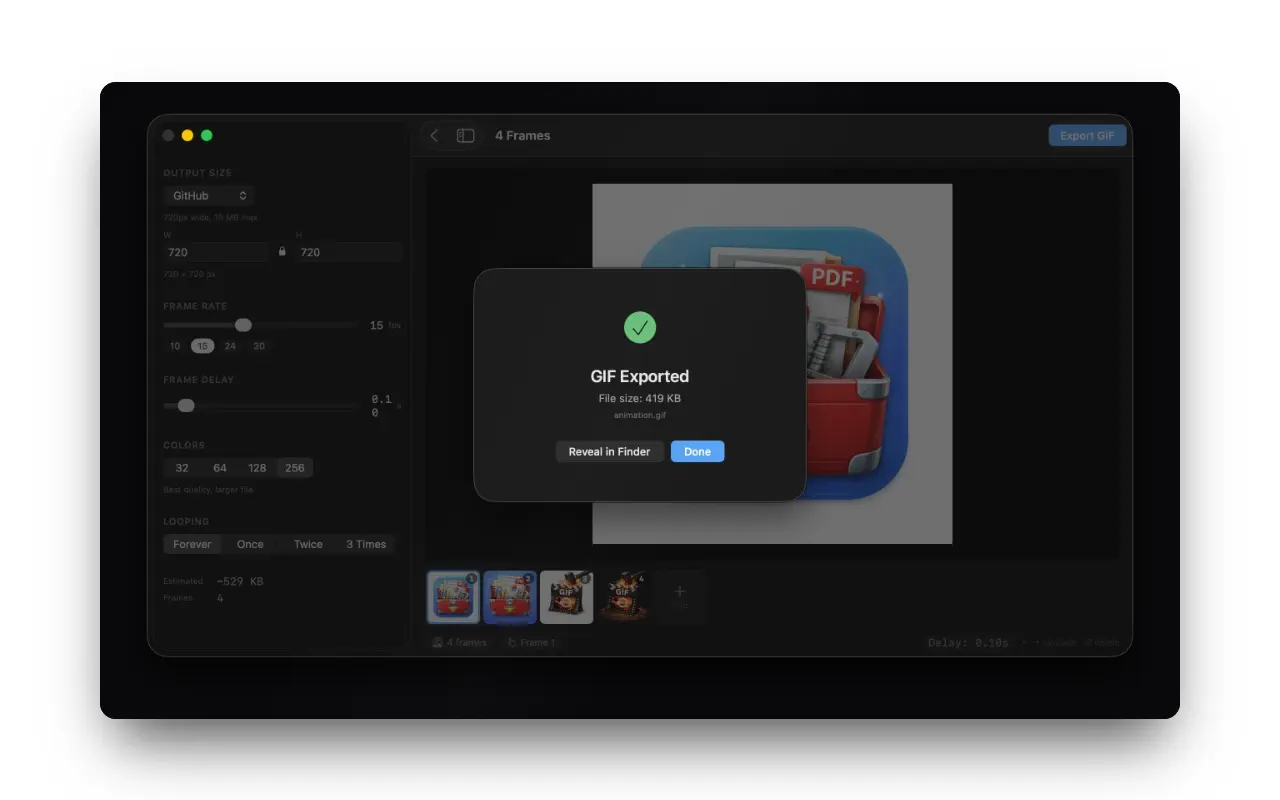
- Instant export with progress
How it works
The size estimate is the feature everything else is arranged around. Every control that affects file size updates it as you move — drop the frame rate from 30 to 15 and watch the number halve; cut the colour depth and watch it fall again. You settle on the trade you want first, then export once.
The presets exist for the same reason. "Slack" is not a style, it is a set of dimensions and a size ceiling that somebody had to look up. Encoding those means one click gets you a file that will actually post.
It is a native app — SwiftUI, not Electron, not a web page in a window — so it launches immediately and uses the video decoders macOS already has.
Who it is for
- Developers attaching interaction recordings to pull requests and issues
- Designers sharing a prototype's motion without asking anyone to install anything
- Anyone writing documentation where a ten-second loop replaces a paragraph
- Content creators cutting short clips for social
Real scenarios
The pull request. You changed a transition. A reviewer can either read your description of it or watch it. Record, trim to the two seconds that matter, GitHub preset, drop it in the PR body.
The bug that only happens sometimes. You finally caught it on video. Trim to the four seconds around the failure, attach it to the issue, and stop trying to describe it in prose.
The docs page. A written explanation of a drag-and-drop gesture is always worse than a loop of the gesture.
Why I built it
I had the ffmpeg palette command in a note file, and I had re-copied it enough times to notice.
Working out what the command should be was never the hard part — the hard part was that I could not see the result of a setting until I had already produced the file. Once the size estimate is live, the whole job is about ten seconds long, and that changed how often I bothered to make one at all.
Alternatives and how it compares
- ffmpeg — free, scriptable, better output than anything if you know the flags. No preview, no estimate, no trimmer.
- Gifski — excellent quality, free, open source, and focused purely on encoding rather than on trimming and sizing.
- Kap — a great free recorder that also exports GIF. It records; GIF Forge converts what you already have.
- Web converters — free and instant, at the cost of uploading the recording.
GIF Forge sits where you already have a video file and want a correctly-sized GIF out of it without a round trip.
FAQ
Does it record the screen?
No. macOS already records the screen well. This converts what you recorded.
Why is my GIF still large?
GIFs are an old format with a hard ceiling on efficiency. Cut the frame rate first, then the dimensions, then the colour depth — the estimate updates as you go so you can see which one is costing you.
Can it go from a folder of images?
Yes — image sequence mode takes a folder of frames.
Is anything uploaded?
No. Everything runs on your Mac.
Subscription?
No. One purchase.