



What is vMerge?
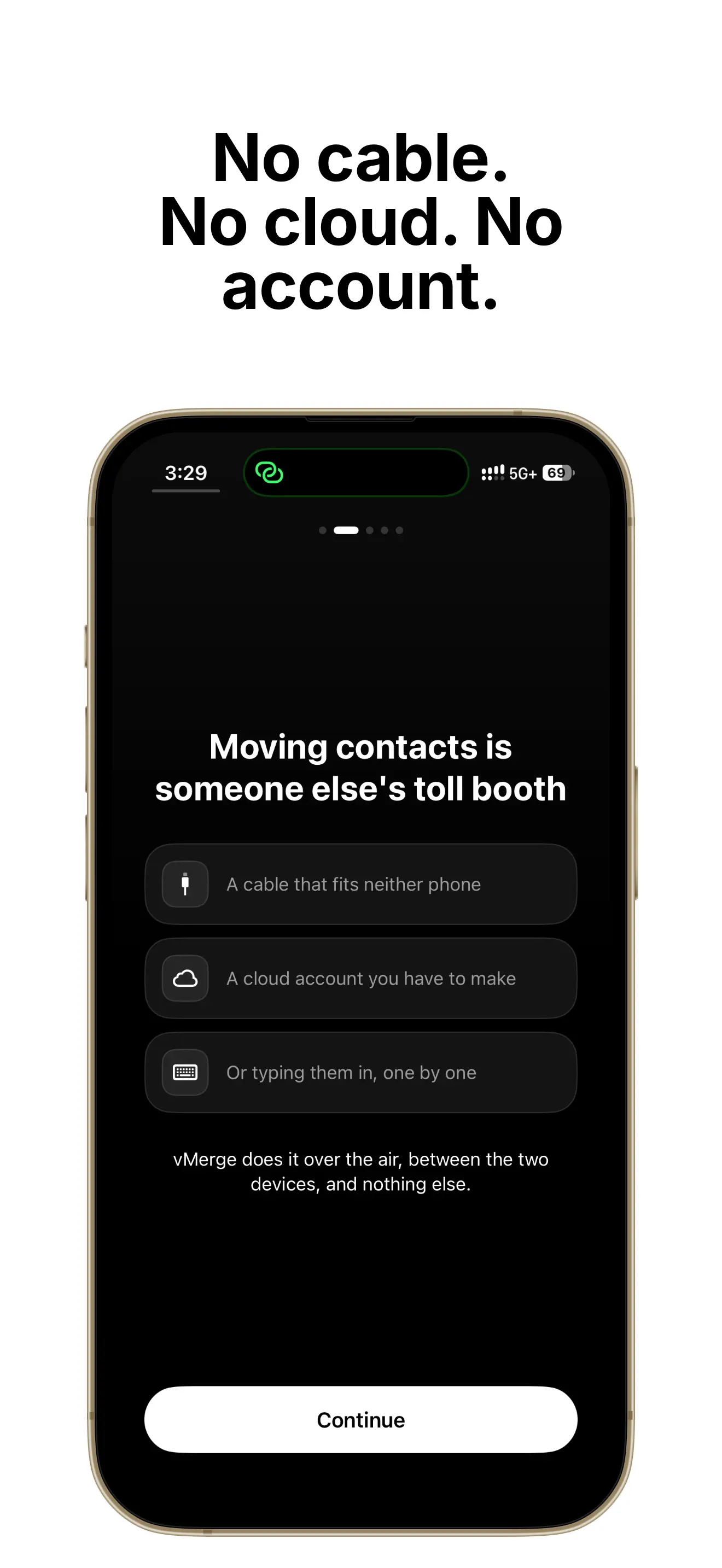
vMerge moves your address book from one phone to any other device — another phone, a laptop, a different platform entirely. The transfer runs over your local Wi-Fi or a personal hotspot. You tap Export on one device, scan a QR code with the other, and the contacts arrive.
Nothing goes through a server, because there is no server.
The problem
Changing phones has been a solved problem for a decade, as long as both phones are the same brand. Across brands, or from a phone to a laptop, or between two accounts, contacts remain the thing that goes wrong.
What is on offer today:
- Same-brand transfer tools work perfectly, and only within the wall
- Cloud sync requires both devices to be signed into the same account, which is exactly what is not true when you are moving between accounts
- Cable-based transfer apps need the right cable and the right adapter, and increasingly neither exists
- Emailing yourself a .vcf works, and puts your entire address book in an inbox permanently
- Free transfer apps are frequently ad-supported, which is an uncomfortable business model for an app holding every contact you have
And underneath all of them is the merge problem: importing into a phone that already has half these people produces duplicates, and most tools deduplicate by name — so "John Smith" and "Smith, John" survive as two entries with the same phone number.
What it does
- QR pairing — one tap to send, one scan to receive, no Bluetooth pairing and no brand restriction
- Lossless vCard 4.0 — names, numbers, emails, addresses, photos, birthdays, job titles and custom fields all travel intact
- Deduplication by number, not name — entries are matched on normalised phone numbers, and merged entries keep the union of all their fields
- Works with no internet — the transfer runs on the local network; Personal Hotspot creates one if there is not one
- Browser receiver — the receiving device does not need the app; scanning with the system camera opens a page with the contacts ready to download
- Add or Update on conflict, chosen by you
- No account, no analytics, no servers
How it works
The transfer is a direct connection between two devices on the same network. The QR code carries the address to connect to; scanning it is the pairing step, which is why there is no Bluetooth dance and no requirement that the two devices share an operating system.
Two decisions do most of the work.
Deduplication is by normalised phone number. Names are unreliable — spelling, ordering, accents, nicknames, a middle initial that exists in one copy and not the other. A phone number, once formatting and country prefixes are normalised, is the same number or it is not. Merging on that basis is why an import into a populated address book produces a merge rather than a second copy of everybody.
The receiver can be a browser. Requiring the app on both ends would rebuild the same-brand wall in a different shape. Scanning with the system camera opens a page and the contacts download as a standard .vcf — which every phone, every desktop and every mail client already understands.
You can verify the privacy claim rather than take it on trust: turn on Airplane Mode, enable Personal Hotspot, and the transfer still works. Nothing that needs the internet can be happening.
Who it is for
- Anyone switching phones, particularly across platforms
- Anyone moving to a new number or a new account and taking their contacts with them
- Freelancers, sales teams and organisers handing a contact list to a colleague without emailing it
- Anyone setting up a device for a family member
- Anyone who has lost contacts trusting a cloud sync to do the right thing
Real scenarios
Crossing the platform line. A new phone on the other side of the fence, and the official migration tool does not want to know. QR, scan, done — in the time it takes to sign in.
Handing over a list. Sixty contacts for an event need to go to a co-organiser. Select those sixty, send only those. Nothing else on your phone moves.
The old phone with no cable. It still turns on and the charging cable is long gone. It joins Wi-Fi, so it can still send everything it has.
Why I built it
Because moving contacts is a solved problem that keeps being unsolved on purpose, and every workaround I reached for wanted something in exchange — an account, a cable, an inbox copy that never gets deleted, or an ad SDK sitting inside the app holding my address book.
The deduplication is the part I would defend hardest. Anything can move a .vcf. Merging it into a populated phone without producing four hundred duplicates is the part that determines whether you actually use the result, and matching on numbers instead of names is what makes that work.
Alternatives and how it compares
- Platform migration tools — perfect inside their own ecosystem, useless outside it.
- Cloud contact sync — the right answer when both devices are on one account, and no answer when they are not.
- Emailing a .vcf — free and universal, and it leaves a permanent copy of your address book in a mailbox.
- Free transfer apps — convenient, often ad-supported or cloud-relayed, which is a lot of trust for a contact list.
vMerge's trade: no account, no server, no ads, one purchase, and a deduplication step that actually merges.
FAQ
Does the other device need vMerge installed?
No. Scan the QR with the system camera and a browser page appears with the contacts ready to download.
Will it work between different phone platforms?
Yes. That is the point of the local-network transfer and the standard vCard format.
What happens to contacts that already exist on the receiving phone?
They are matched on normalised phone number and merged, keeping the union of the fields from both copies. You choose whether conflicts add or update.
Are photos and custom fields kept?
Yes. Full vCard 4.0 — nothing is re-encoded, downscaled or stripped.
Does it work with no Wi-Fi at all?
Yes. Personal Hotspot creates the network. Airplane Mode is a fair test of the privacy claim.
How large an address book can it handle?
Very large ones transfer in seconds; it is a local network connection, not an upload.