Below is what changes for each kind of script, how to set up a free prompter, and how voice tracking copes with other languages and with mixed ones.
What changes from language to language
Three things, and only one of them is about speech.
- Direction. Arabic, Hebrew, Urdu and Persian read right to left. A prompter has to align each line to the right and keep punctuation and numbers in the right order, or the line you are reading jumps around.
- Spaces between words. Chinese, Japanese and Thai are written without spaces between words. A prompter that measures pace in words, by counting spaces, sees a whole paragraph as one word, so its "words per minute" setting stops meaning anything.
- Recognition. To follow your voice, the prompter has to recognise the language you speak, and match it to the alphabet the script uses. A Hindi script in Devanagari and the same lines typed in Latin letters (romanised Hindi) are, to a speech recogniser, two different scripts.
Method 1A fixed-speed prompter, free, in any language
For most people reading in a language other than English, a steady scroll is the simplest place to start, because it does not need to understand a word.
- Write or paste the script in the alphabet you read most fluently.
- Set the speed lower than you would for English if this is not your first language. Readers in a second language read aloud more slowly, and a scroll that is slightly too fast makes you rush.
- Read one paragraph, then adjust the speed and start again.
The free teleprompter on this site works this way in a browser tab: paste, set the pace, go full screen, and mirror it for glass if you use a rig. Nothing is uploaded. Two caveats: its pace is counted in space-separated words, so for Chinese, Japanese or Thai treat the speed as a relative setting and tune it by eye; and check that a right-to-left script lines up the way you expect before you record.
Method 2A prompter that follows your voice
Voice tracking listens and moves the script to the word you are on. In another language it works when three things line up:
- The listening language matches the script. Set the prompter's recognition language to the language the script is written in, not the language of your computer's menus.
- The recogniser supports that language. Apple's speech recognition on Mac covers dozens of languages; some are recognised on the device after a one-time download, others need Apple's servers and an internet connection.
- The alphabet matches what the recogniser writes. If you listen in Hindi, the recogniser writes Devanagari, so a romanised script gives it nothing to match. Pick one and keep the script consistent.
Before a take that matters, record a 30-second test in that language and watch whether the highlight keeps up.
Scripts that mix two languages
Hinglish videos, bilingual sermons, a presentation that switches to English for technical terms: a recogniser set to one language mishears the other one.
- Split by page. If the switch happens in blocks (an English intro, a Hindi main section), put each block on its own page and set each page's listening language.
- Use a mixed-language mode, if there is one. Some recognisers can listen for two languages at once, which is what a sentence-by-sentence mix needs.
- Keep the English words in English letters. In a Hindi script, an English brand name or technical term written in Latin letters is easier to match than the same word transliterated.
- Fall back to a steady scroll for a section the recogniser cannot follow. A good prompter lets you do this for one page without stopping the take.
Right-to-left scripts: Arabic, Hebrew, Urdu
- Check the alignment in the prompter before you record. Each paragraph should start at the right edge.
- Watch numbers and Latin words inside a line. They read left to right inside the right-to-left line. Write numbers as words when you can; it is easier to say anyway.
- Keep lines short. A narrow column under the camera means less eye travel, in either direction.
Chinese, Japanese and Thai
- Time by characters, not words. A script's length is better judged in characters, or simply by reading it aloud once with a timer.
- Break lines at natural pauses. With no spaces, the line breaks are where your eye rests; put them where you would breathe.
Telly: dozens of speech languages, page by page
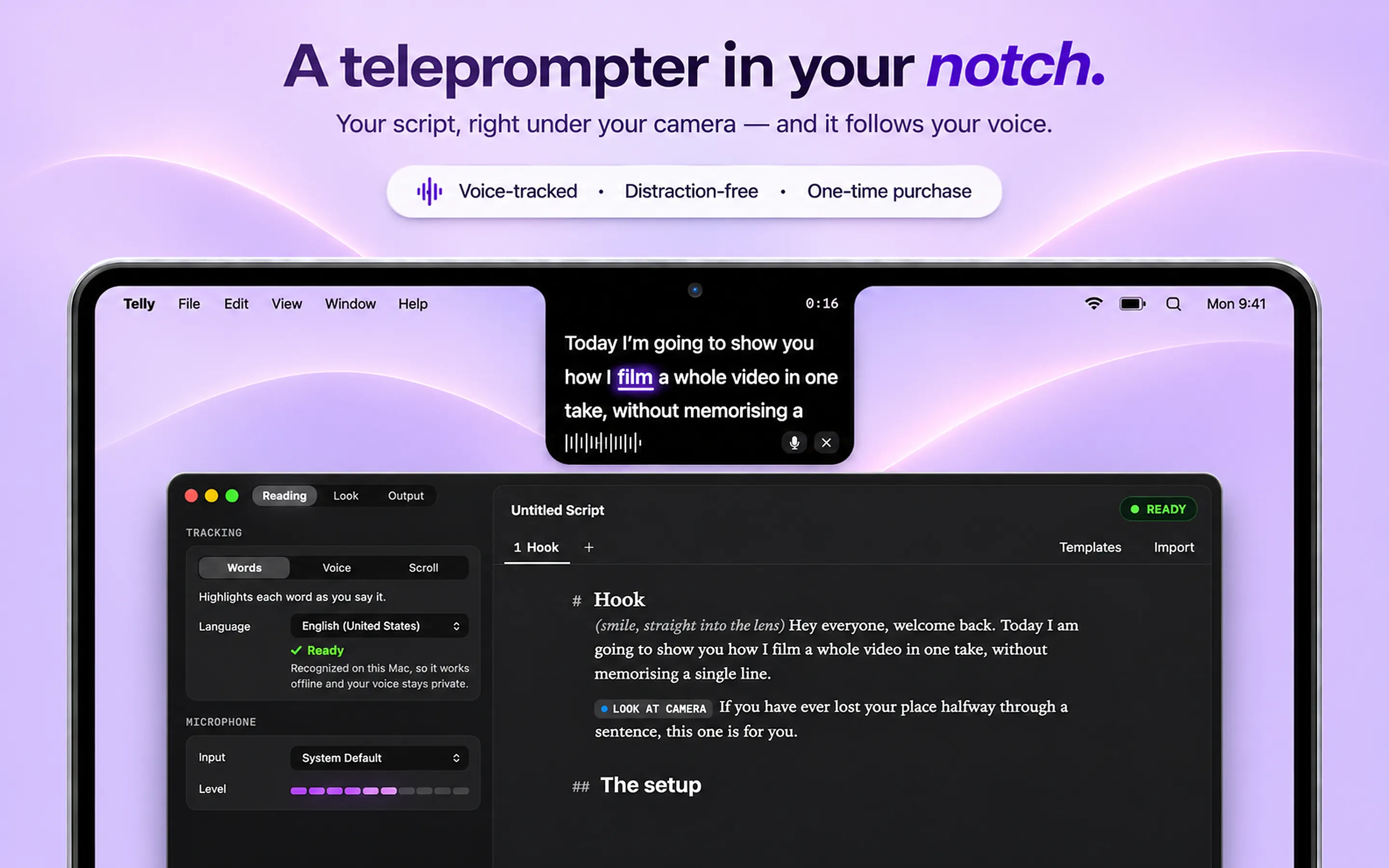
Telly, the teleprompter DRISH LABS makes for Mac, follows your voice in dozens of languages. Most are recognised on the device by Apple's on-device speech engine, with no internet needed after a one-time download per language; a few use Apple's speech service. Mixed Hindi and English, Arabic and Hebrew right to left, Chinese, Japanese and Thai are all supported, and each page of a script can have its own listening language. One limit for now: in a take that mixes right-to-left and left-to-right pages, every page is laid out in one direction, so keep an Arabic or Hebrew script in its own take. The script sits in the notch, right under the camera, each word lights up as you say it, and the highlight holds when you ad-lib.
Its limits: the interface is in English (scripts and speech work in many languages), and it needs macOS 26 or later. If it cannot follow a section, you can switch the take to Classic Scroll, which keeps a steady pace with no microphone for the rest of the take. To compare it with other Mac prompters, see the best teleprompter apps for Mac; for eyeline and pace, how to read a script on camera.
FAQ
Can I use a teleprompter in Hindi or Arabic?
Yes. Any teleprompter that scrolls at a fixed speed shows whatever your computer can display, including Devanagari and Arabic script. A voice-tracking prompter also needs speech recognition for that language.
Why does my voice teleprompter not follow me in another language?
Usually the listening language does not match the script, or the script is in a different alphabet from what the recogniser writes, such as romanised Hindi while listening in Hindi. Set the recognition language to the script's language and keep the alphabet consistent.
How do I read a script that mixes Hindi and English?
Put blocks in different languages on separate pages with their own listening language, or use a mixed-language mode if the prompter has one. Keeping English words in Latin letters helps the matching.
Do I need the internet for voice tracking in other languages?
It depends on the language and the app. On Mac, Apple recognises many languages on the device after a one-time download; a few still use Apple's servers.
How fast should I read in a second language?
Slower than in your first language. Start the scroll lower than you would for English, read a paragraph, and adjust.