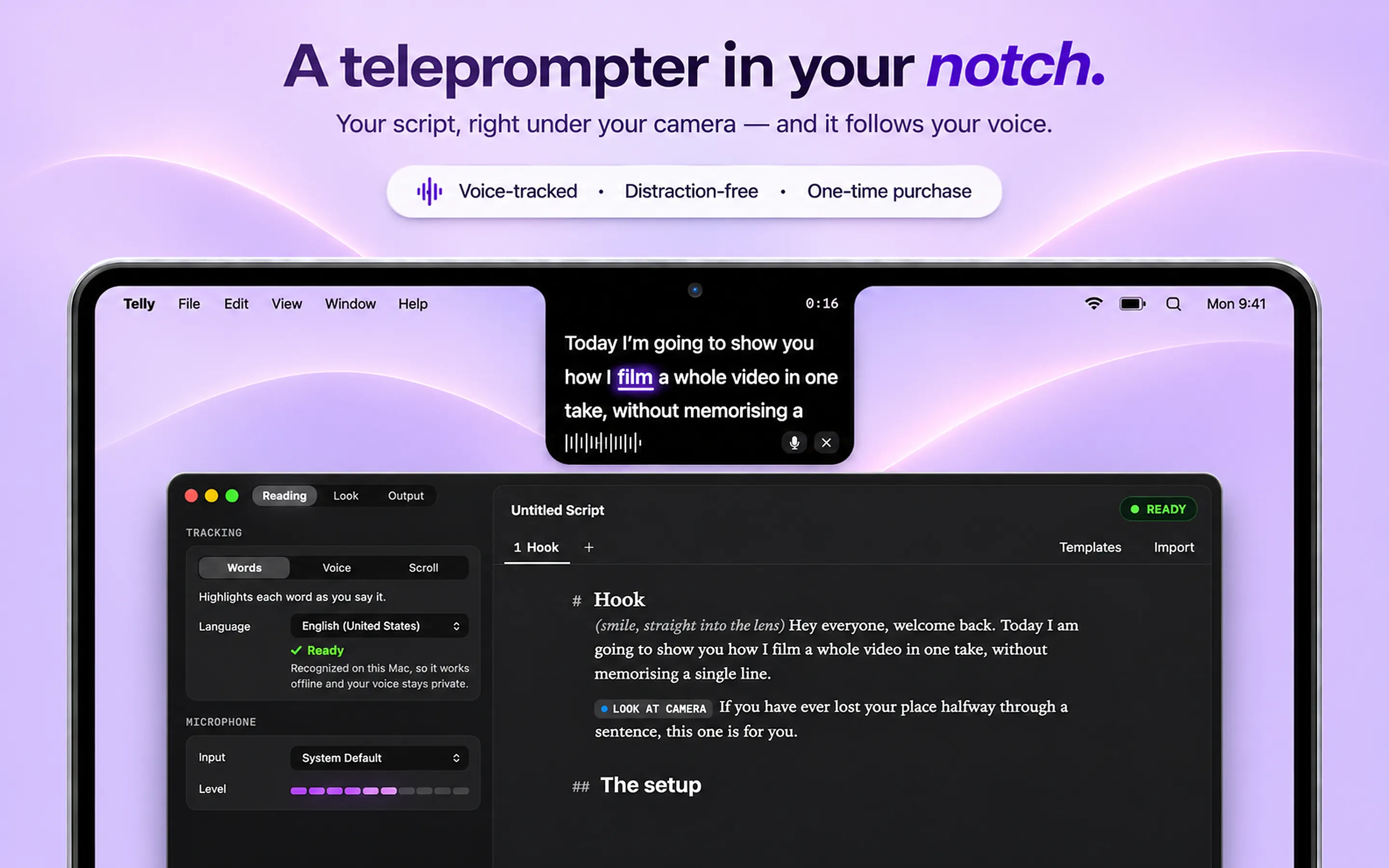
Below are the steps on macOS, the mirror settings explained, how to size the type, the Elgato Prompter, and the problems people hit.
What you need
- The rig: beam-splitter glass at about 45 degrees in front of the lens, with a hood, and a screen under the glass. How a teleprompter works explains why the text has to be mirrored.
- A screen the Mac can drive: a small HDMI or USB-C monitor, a rig with its own display, or an iPad through Sidecar.
- A prompter that mirrors and can go full screen on a chosen display.
Step 1: Connect the rig's screen as a display
- Connect the screen. Open System Settings›Displays: it should appear as a second display.
- Use it as an extended display, not a mirror of your main screen. Mirroring the whole desktop would flip nothing and show everything.
- Optional: drag the display's thumbnail in Arrange so the pointer leaves your main screen on the side you expect, which makes it easier to move windows there.
Step 2: Show the script, mirrored, on that display
Free: the browser teleprompter on this site has a mirror setting. Drag the browser window onto the rig's display, turn on mirroring, and go full screen there. It scrolls at a pace you set in words per minute.
With Telly:
- Open your script in Telly. It opens PDF, DOCX, RTF, Markdown and text, and the presenter notes of a PPTX.
- On the Output tab, under External Display, set Output to Mirror.
- Set Flip to Horizontal, the standard for prompter mirror rigs. A preview shows the flipped text as the glass will see it.
- Choose the rig's screen in the display list. If none shows, Telly says so: connect one, or start Sidecar.
- Press Start Take (⌘Return). The script fills the rig's screen; the editor stays on your Mac.
Prompter instead of Mirror shows the script unflipped, full screen, on the second display: use it for a confidence monitor beside the camera, or for a rig that flips the image itself.
The mirror settings explained
| Setting | What it does | When to use it |
|---|---|---|
| Horizontal | Flips left to right | Most beam-splitter rigs, with the screen under the glass |
| Vertical | Flips top to bottom | A rig whose instructions call for it |
| Both | Rotates 180° | A screen mounted upside down |
| None (Prompter in Telly) | Normal text | A monitor you look at directly, or a rig that flips for you |
If the text still reads wrong through the glass, change one axis at a time and look again from the camera position.
Step 3: Size the type for the distance
The text has to be readable from where you stand, and the further you are, the bigger it needs to be. There is no single right size: set it by eye.
- Stand where you will record.
- Raise the size until you can read a line at a glance without leaning in.
- Check that a line is still several words wide. Too few words per line and you read in jerks.
In Telly, Look›Type›Text size goes up to 140 pt, with All caps (a broadcast convention, easier at a distance), Line spacing and Side margin under Readability.
The Elgato Prompter
Elgato describes its Prompter as having "all the flexibility of a second monitor", with a Display mode where you "drag and drop windows or apps onto your teleprompter's screen". It connects with one USB cable for power and video, needs macOS 13.3 or later, and its software installs DisplayLink at setup (Elgato, read 18 November 2026). Elgato's own apps also run scripts on it: its page names the Elgato Studio app, to "Organize, style, and control your video scripts or notes."
To use it with a Mac prompter app, put the Prompter in its display mode, then treat it as the extra display in Step 2. Two things to check, because we have not tested Telly on an Elgato Prompter:
- Whether to flip. Look through the glass from the camera. If the text reads backwards, set the flip in your prompter; if it reads correctly with no flip, use Telly's Prompter output instead of Mirror.
- A blank screen. DisplayLink software draws its screen by capturing the Mac's display, so a prompter that hides itself from screen capture may not show on it. If the Prompter stays blank in Telly, turn off Output›Recording›Hide from screen sharing while you use it.
When something goes wrong
- The script is on the wrong display. Pick the display again in the prompter's display list, or check System Settings›Displays that the rig's screen is extended, not mirrored.
- The text reads backwards through the glass. Change the flip axis (Horizontal is usual).
- A faint second image. Some glass shows a weaker second reflection. Darken the room behind you and raise the screen's brightness so the main image dominates.
- The script moves too fast or too slow. A fixed scroll is never right for every sentence. A prompter that follows your voice moves with you; in Telly, choose Word Tracking on the Reading tab. Voice-activated teleprompters for Mac compares them.
- You need a remote across the room. Telly's browser remote shows a QR code in Output›Remote; a phone on the same network can pause and turn pages.
Telly's limits: it needs macOS 26 or later; its remotes are the keyboard, global shortcuts and the phone remote, with no game controller support.
For a full YouTube setup with a camera and glass, see teleprompter for YouTube on a Mac.
FAQ
How do I mirror a teleprompter on a Mac?
Connect the rig's screen as an extended display, open a prompter with a mirror setting on that display, and flip it horizontally. In Telly: Output › External Display › Output: Mirror, Flip: Horizontal.
Why is teleprompter text mirrored?
Because the glass reflects it. A reflection reads backwards, so the screen shows the script reversed and the glass turns it the right way round for you.
Can I use an iPad as a teleprompter display for my Mac?
Yes. Start Sidecar and the iPad becomes an extra display; choose it in the prompter. Telly lists Sidecar displays with the others.
Does the Elgato Prompter work with a Mac?
Elgato says it works as a second monitor on macOS 13.3 or later, with DisplayLink installed at setup. Use it as the extra display; check through the glass whether the text needs flipping. If it stays blank with Telly, turn off Output › Recording › Hide from screen sharing: DisplayLink draws its screen by capturing the Mac's display.
What font size should a teleprompter be?
Large enough to read a line at a glance from where you stand. Set it by eye at your recording distance; the further away, the bigger.