Below is the structure, a template you can copy, worked examples for three kinds of channel, and how to deliver it on camera.
The three parts of an intro
Hook: the first sentence
The hook is the reason to keep watching, said before anything else. Not your name, not "hey guys", not a channel trailer. Three shapes work for most videos:
- The question the viewer already has. "Why does your Wi-Fi drop every evening at the same time?"
- The result first. "This one change cut my editing time in half. Here's how."
- The surprise. "I tried the advice everyone repeats for thirty days, and it made things worse."
Whatever you open with, the video has to pay it off. A hook the video never delivers is a quick way to lose the viewer's trust.
Promise: what they get
One or two sentences that say who you are only as far as it matters, and what the viewer will be able to do, know or decide by the end. "I review budget cameras every week, and by the end of this video you'll know which of these three is worth your money."
Preview: how the video runs
A short list of what's coming, in the order it comes. It tells the viewer the video is organised and gives them a reason to wait for part three. Keep it to three items, said in plain words, then move into the first one.
A template you can copy
Replace the brackets, read it aloud once, and cut every word you stumble on.
# Hook[The question, the result or the surprise, in one sentence.]
[One sentence that makes it personal or raises the stakes.]
# PromiseI'm [NAME], and on [CHANNEL] I [WHAT YOU DO, IN SIX WORDS].
In this video, [WHAT THE VIEWER WILL BE ABLE TO DO OR KNOW BY THE END].
[PAUSE]
# PreviewHere's what we'll cover.
One: [FIRST PART].Two: [SECOND PART].Three: [THE PART PEOPLE WILL WAIT FOR].
Let's start with [FIRST PART].
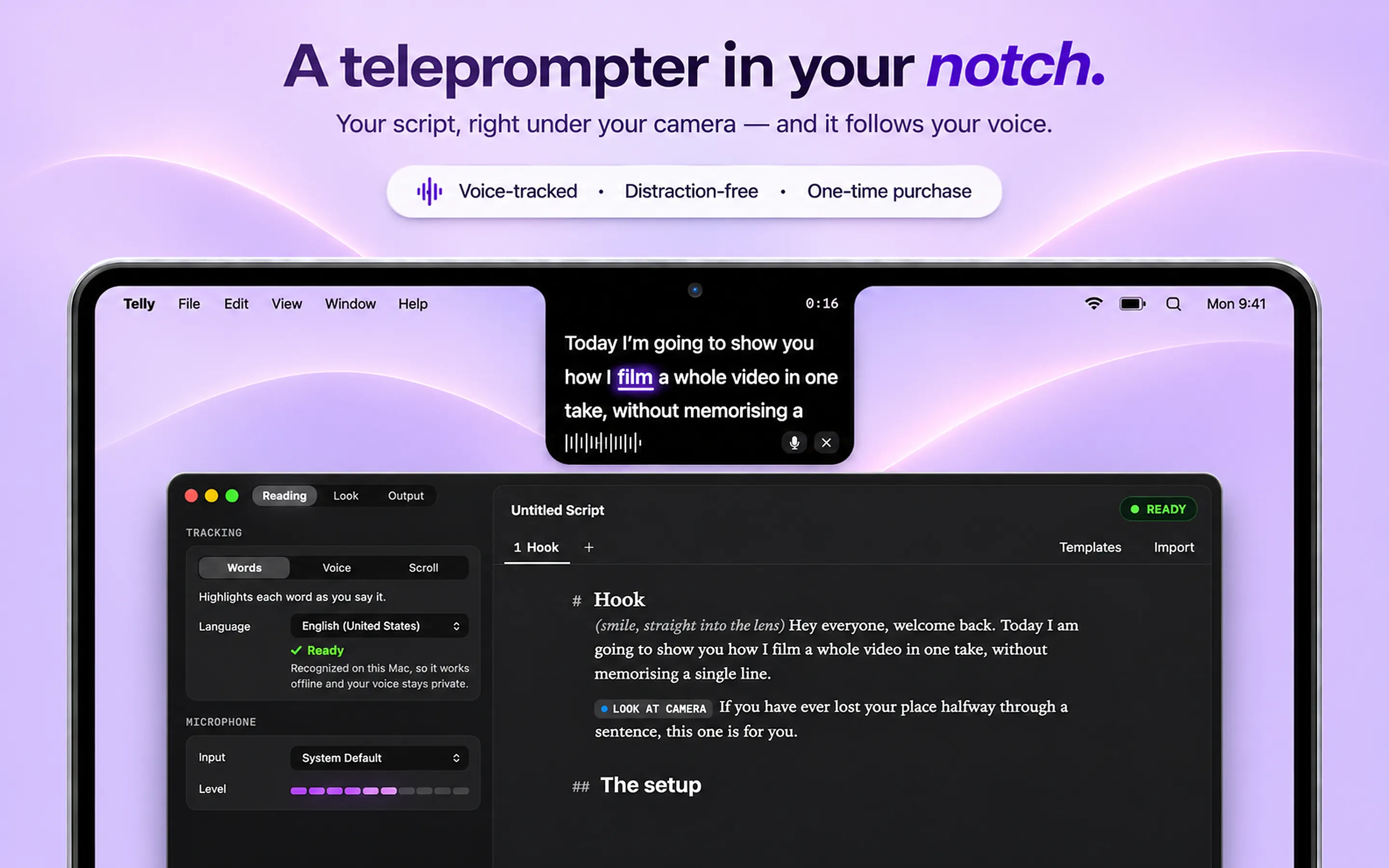
The # Hook headings, the [PAUSE] cue and the line breaks are there for you, not the viewer: they mark where to breathe and where one part ends. Some teleprompter apps, Telly among them, show headings and cues on screen without expecting you to say them.
Three examples
A tutorial channel (about 70 words, 30 seconds). "Your laptop's storage is full, and you haven't saved anything big. Let's find out where it went. I make short fixes for everyday computer problems, and in the next five minutes you'll free up space without deleting a single photo. We'll check what's actually taking the room, clear the caches that are safe to clear, and move the big files you forgot about. First, the storage report."
A review channel (about 55 words, 25 seconds). "Three cameras, one budget, and only one I'd buy again. I test every camera on this channel for a month before I review it. By the end, you'll know which of these three fits how you shoot. We'll look at the photos, the video, and the thing nobody mentions until it breaks: the battery. Photos first."
A vlog or story video (about 45 words, 20 seconds). "I quit my job on a Tuesday. By Friday, I had three clients. This is how that week actually went: the email I sent, the call that changed it, and what I'd do differently. It starts with a spreadsheet I made at two in the morning."
How long should a YouTube intro be?
Short enough that the viewer reaches the content before they wonder whether it is coming. For most videos that means the hook in the first sentence and the whole intro inside 30 to 45 seconds.
The arithmetic is simple. At about 140 words a minute, a common planning pace:
| Intro length | Words |
|---|---|
| 15 seconds | about 35 |
| 30 seconds | about 70 |
| 45 seconds | about 105 |
| 60 seconds | about 140 |
If your draft is longer, cut it rather than speaking faster. For the exact times at other paces, see how long 100 words takes to say and the other speech-length pages.
Writing it so it sounds spoken
- One idea per sentence. Long sentences make you run out of breath halfway.
- Write numbers the way you say them. "About two thousand", not "1,987".
- Use contractions. "You'll", "it's", "we'll". Written-out forms sound stiff aloud.
- Bold the word you would stress. It stops the flat, read-aloud delivery.
- Read it aloud before you record. Any word you trip over twice, rewrite.
Reading it on camera
An intro is the part of the video where eye contact matters most, and the part people most often read off a screen below the camera. Three ways to deliver it, from free to fastest:
- Learn it in chunks. Record the hook, the promise and the preview as three separate takes and cut them together. Thirty words at a time is easy to hold in your head.
- Use a free browser prompter. The free teleprompter on this site scrolls a pasted script at a words-per-minute pace. Open it in a narrow window at the top of the screen, directly under the camera.
- Use a prompter that follows your voice. Telly, the teleprompter DRISH LABS makes for Mac, shows the script in the notch right under the camera and lights up each word as you say it, so it waits when you pause and holds when you ad-lib. Its templates include a video intro, a sponsor read and a short-video hook, laid out like the template above. It needs macOS 26 or later.
For eyeline and pacing in more depth, see how to read a script on camera without looking like you're reading.
FAQ
What should I say at the start of a YouTube video?
Start with the hook: the question, result or surprise that gives the viewer a reason to stay. Then say what they will get from the video and briefly what's coming. Your name and channel can come after the hook, in one sentence.
How long should a YouTube intro script be?
About 70 to 105 words for a 30 to 45 second intro at a steady speaking pace. Shorter is usually better: get to the content before the viewer wonders whether it is coming.
Should I introduce myself at the start of every video?
Briefly, and after the hook. One sentence saying what you do is enough; a long introduction before the viewer knows why to stay gives them a reason to leave.
How do I read my intro without looking like I'm reading?
Put the script as close to the camera lens as you can, in a narrow column, and write it in short spoken sentences. Recording the hook, promise and preview as separate takes also helps.
Can I use the same intro for every video?
Keep the structure, not the words. The hook and the promise should be about this video; only the one line about who you are stays the same.